Picture this: it's Sunday evening, and you're staring at a pile of laundry, a sink full of dishes, and a desk buried under textbooks — all while trying to remember whether you have a study group tomorrow or a lab assignment due Thursday. For students living in dorms or compact apartments, the struggle to stay on top of both academic responsibilities and basic household tasks is a daily reality. Limited square footage means every item you own competes for the same precious space, and cluttered environments only make mental overload worse.
A chore tracker built around minimal design principles offers a surprisingly effective fix. Rather than adding another bulky planner or complicated app to your already packed routine, a streamlined tracker gives you a clear, at-a-glance view of what needs to get done — without eating up your desk or draining your focus. When designed thoughtfully, these tools balance visual reminders with a compact footprint, fitting naturally into tight living spaces. This article explores how students can use a minimal design chore tracker to sharpen time management, reduce daily friction, and build a calmer, more productive living environment.
The Challenge of Time Management in Student Life
Student life rarely follows a predictable rhythm. Between lectures, assignments, part-time jobs, and social commitments, days can blur together fast — and household chores are usually the first thing to fall through the cracks. The real problem isn't laziness; it's the absence of a reliable system that keeps both academic and domestic responsibilities visible at the same time. When you can't see what needs doing, it simply doesn't get done.
Visual Reminders for Busy Schedules
Research consistently shows that visual cues improve memory retention and help people prioritize tasks more effectively than mental lists alone. A chore tracker works on this principle — it turns abstract obligations into concrete, visible items you can check off. Instead of relying on memory during an already packed day, a well-placed tracker gives you an instant snapshot of what's pending, what's done, and what's coming up next.
Space Constraints in Dorm Rooms and Small Apartments
Small living spaces create a unique challenge: every organizational tool you add competes with everything else for room. A bulky whiteboard or oversized planner can make a cramped dorm feel even more suffocating. This is exactly why minimal design matters — a compact, thoughtfully designed chore tracker integrates into your space rather than dominating it, keeping your environment functional without adding visual or physical clutter.
What is a Minimal Design Chore Tracker?
A chore tracker is exactly what it sounds like — a dedicated system for logging, organizing, and monitoring household tasks. But not all trackers are created equal. A minimal design chore tracker strips away unnecessary complexity, leaving only what genuinely helps you stay on top of your responsibilities. In the context of productivity tools, minimal design means fewer distractions, a smaller physical footprint, and an interface or layout that communicates clearly without demanding much from you in return. For students already juggling academic pressure, this approach isn't just aesthetic — it's functional.
Defining Minimal Design in Productivity Tools
Minimal design in productivity tools operates on a simple premise: the less cognitive effort a tool demands, the more mental energy you preserve for actual work. When a chore tracker uses clean layouts, limited color palettes, and straightforward labeling, your brain processes the information faster and with less friction. This directly reduces decision fatigue — the mental exhaustion that comes from too many choices or too much visual noise. In a small living space, a minimal design tool also avoids adding to the physical and visual clutter that makes tight quarters feel overwhelming. The result is a tool that quietly does its job without competing for your attention.
Key Components of an Effective Chore Tracker
For a chore tracker to genuinely support student life, it needs a handful of core features. A clear task list is non-negotiable — you should be able to add, view, and check off chores in seconds. Progress tracking, even in its simplest form like a checkbox or color indicator, gives you a satisfying sense of momentum. Adaptability matters too; your tracker should accommodate shifting weekly schedules, exam seasons, and irregular living arrangements without requiring a complete overhaul. Finally, compact sizing ensures the tool fits on a desk corner or kitchen counter without claiming space you can't afford to give up.
Integrating Smart Calendar Features
A chore tracker becomes significantly more powerful when it connects with the digital tools students already rely on. Smart calendar integration bridges the gap between academic scheduling and household task management, pulling both into a single, unified view. Instead of toggling between a class schedule app and a separate chore list, you get one coherent picture of your day — which means fewer things slipping through the cracks during crunch time.
Syncing with Digital Calendars
Connecting your chore tracker with apps like Google Calendar, Evernote, or Apple Calendar takes only a few minutes but pays off consistently. Start by categorizing your chores — daily, weekly, and monthly — then create recurring calendar events for each. Color-code them separately from academic tasks so they remain visually distinct without blending into your lecture schedule. Some dedicated tracker apps offer direct calendar sync, automatically populating your existing calendar with chore reminders the moment you add a task. This approach keeps everything in one place and eliminates the need to check multiple platforms just to plan your morning.
Automated Reminders and Notifications
Manual tracking works until life gets busy — which, for students, is most of the time. Automated reminders solve this by pushing notifications at preset intervals, nudging you to tackle a task before it becomes an emergency. Set reminders 30 minutes before a chore window rather than at the exact time, giving yourself a buffer to transition from studying. Most calendar apps allow customizable alert frequencies, so you can dial up reminders during low-stress weeks and scale back during finals without rebuilding your entire system. Consistent, well-timed alerts build habit loops gradually, turning chore completion from a reactive scramble into a predictable, low-effort part of your daily rhythm.
The Advantage of a Countertop Display
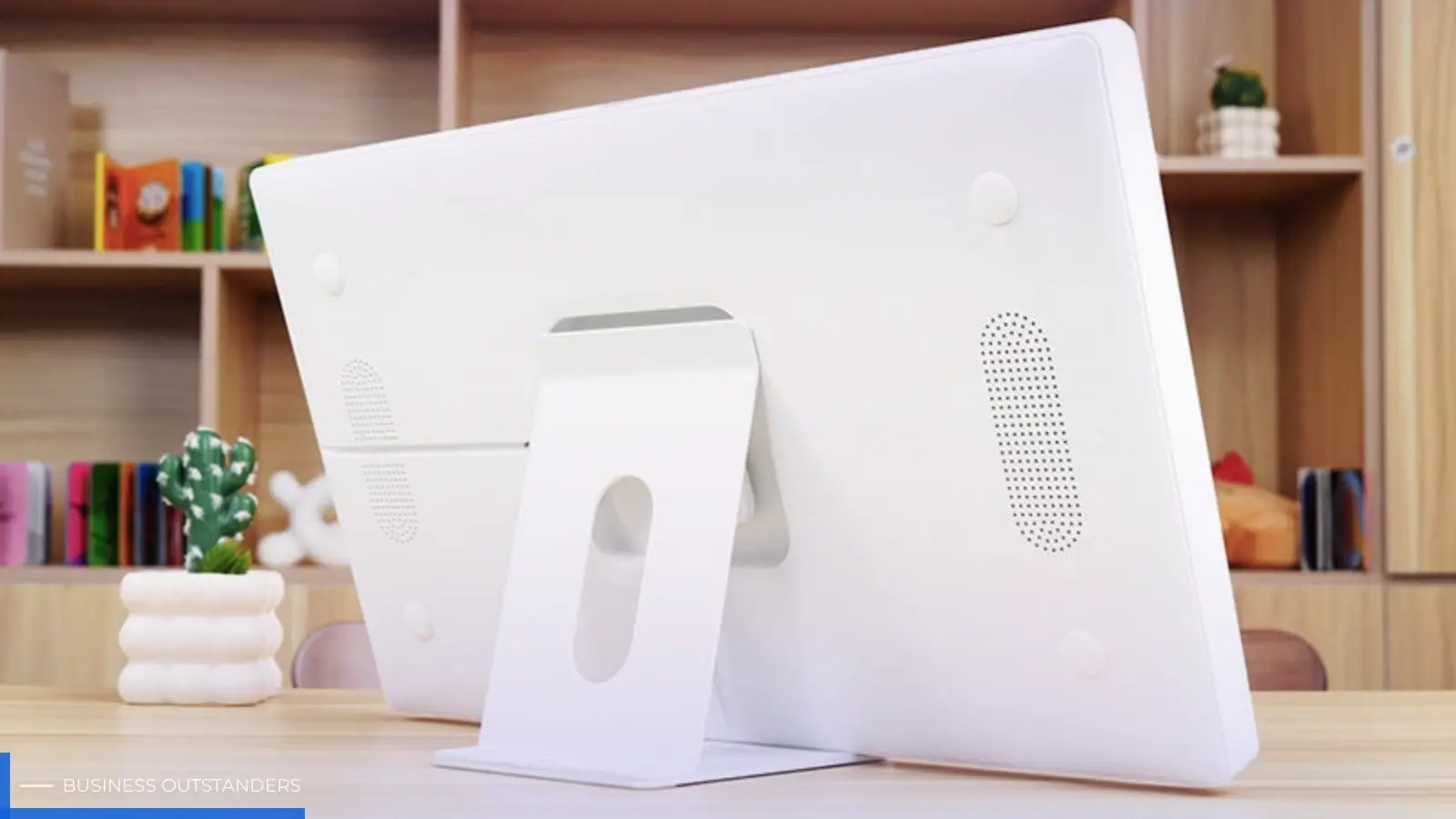
Digital tools are powerful, but there's something uniquely effective about a physical display sitting right in your line of sight. A countertop chore tracker — whether a compact board, a small framed chart, or a purpose-built display unit — acts as a persistent, passive reminder that doesn't require you to unlock a phone or open an app. In small living spaces, this kind of ambient visibility is especially valuable because your entire living area is essentially one room, meaning a well-placed display is always within view.
Why Physical Displays Enhance Visibility
Unlike a notification that disappears after a swipe, a countertop display stays put. It doesn't compete with social media feeds, doesn't drain a battery, and doesn't get buried under app updates. The moment you walk into your kitchen to make coffee or sit down at your desk, your task list is already there — no activation required. This passive visibility creates a low-pressure accountability system that works even on your most distracted days, gently nudging you toward action without demanding your full attention.
Choosing the Right Spot for Your Chore Tracker
Placement is everything in a small space. Position your tracker in a high-traffic zone — the kitchen counter near the sink, the corner of your study desk, or a narrow shelf by the door. These are spots you naturally pass multiple times a day, which maximizes how often you engage with your task list without any deliberate effort. Avoid tucking it behind other items or placing it somewhere you only visit occasionally. The goal is effortless visibility: your tracker should catch your eye organically, fitting into the flow of your space rather than requiring you to seek it out.
Ensuring Easy to Use Functionality
The most beautifully designed chore tracker fails the moment it becomes a chore itself. For students already stretched thin, a tool that demands significant setup time or frequent manual adjustments simply won't survive the semester. Easy-to-use functionality isn't a bonus feature — it's the foundation that determines whether a tracker gets used consistently or abandoned by week three. When a system feels effortless, it becomes part of your routine naturally rather than something you have to consciously remember to maintain.
Simple Setup and Maintenance
A good chore tracker should be up and running within minutes, not hours. Whether you're using a physical board or a digital app, the initial setup should involve three basic steps: listing your recurring tasks, assigning rough time slots, and choosing how you'll mark completion. From there, maintenance should be minimal — a quick Sunday review to adjust any tasks that shifted during the week is usually enough. Avoid systems that require daily rebuilding or elaborate color-coding schemes that collapse the moment your schedule changes.
User-Friendly Interfaces for Quick Updates
When life moves fast, your tracker needs to keep up without slowing you down. Look for interfaces — digital or physical — that let you add, reschedule, or check off a task in under ten seconds. On digital platforms, this means large tap targets, minimal navigation layers, and a home screen that shows your full task list immediately on opening. On physical trackers, it means writable surfaces, clear sections, and enough blank space to scribble a last-minute addition. The simpler the interaction, the more likely you are to actually use it when you're rushing between a lecture and a lab.
Step-by-Step Guide to Implementing Your Chore Tracker
Knowing why a minimal design chore tracker works is one thing — actually setting one up is another. The following steps walk you through the entire process, from evaluating your space to building a sustainable daily routine, so you can move from intention to action without overthinking it.
Step 1: Assess Your Space and Needs
Before buying anything or downloading an app, spend ten minutes taking stock of your situation. Walk through your living space and identify one or two surfaces that are consistently clear and frequently visited — your kitchen counter, the edge of your desk, or a narrow shelf near the entrance. These are your prime tracker locations. At the same time, make a rough list of the chores that consistently slip: dishes, laundry, vacuuming, taking out trash. Note which ones have fixed deadlines and which are flexible. This honest assessment prevents you from over-engineering a system for tasks that don't actually cause you problems, keeping your tracker lean and relevant from day one.
Step 2: Select or Create Your Tracker
Your two main options are a physical countertop display or a digital solution — and both can work well depending on your habits. For a physical tracker, a small framed whiteboard, a cork tile, or even a folded card with labeled sections costs almost nothing and fits on any surface. Stick to two or three columns: task name, frequency, and a checkbox. For digital trackers, apps like Todoist, TickTick, or Notion offer minimal interfaces that load quickly and sync across devices. Whichever format you choose, resist the urge to add categories or color systems beyond what you genuinely need. A simpler tracker is a tracker you'll actually use past midterms.
Step 3: Integrate with Your Schedule
Once your tracker is set up, connect it to your existing academic calendar. In Google Calendar, Evernote, or Apple Calendar, create a separate chore calendar and add recurring events for each task — daily dishes, Wednesday laundry, Sunday bathroom clean. Color-code this calendar differently from your class schedule so the two remain visually distinct at a glance. Enable smart calendar notifications set 30 minutes ahead of each chore window, giving yourself transition time between studying and household tasks. If you're using a physical countertop display, pair it with a single phone reminder at the start of each day to prompt a quick visual check — this two-second habit keeps the physical and digital systems aligned without duplicating effort.
Step 4: Establish a Routine for Updates
A chore tracker only stays useful if it reflects your actual life. Schedule a five-minute Sunday reset: review what got done, reschedule anything that didn't, and adjust recurring tasks if the coming week looks unusually heavy with exams or deadlines. On physical trackers, wipe completed items and rewrite the week's list fresh — this small ritual reinforces the habit and keeps the board from becoming visual noise. On digital platforms, archive completed tasks rather than deleting them so you can look back and see your progress during stressful weeks. Over time, this low-maintenance update cycle transforms your tracker from a static list into a living system that grows with your schedule rather than fighting against it.
Building a Calmer, More Productive Student Life
Managing student life in a small space doesn't have to mean constant chaos. A minimal design chore tracker gives you a practical, low-friction way to keep household responsibilities visible without adding clutter to an already tight environment. By stripping away unnecessary complexity, it preserves the mental energy you need for academic work while ensuring daily tasks don't quietly pile up into weekend emergencies.
The tools and strategies covered here work together to build a genuinely sustainable system. Smart Calendar integration keeps your chore schedule aligned with your academic commitments, so nothing gets overlooked during busy stretches, especially when combined with tools like tutor management software that help students organize study sessions and academic tasks efficiently. A countertop display creates passive, persistent visibility that no notification can replicate — it's simply there when you need it. And easy-to-use functionality means the system stays alive past the first week, adapting to exam seasons and shifting schedules without demanding constant rebuilding.
The real payoff isn't just a cleaner apartment — it's the mental clarity that comes from knowing your responsibilities are organized and under control. Start small: assess your space this week, set up a basic tracker, and connect it to your existing calendar. Within a few days, you'll notice less decision fatigue, fewer forgotten tasks, and a living environment that supports focus rather than undermining it. A calmer, more productive student life is closer than you think — and it starts with one simple, well-placed tracker.
Business Outstanders brings you sharp insights on tech, business, entrepreneurship, law, crypto, and more. We uncover what’s next. Stay updated, sign up for our newsletter and be part of the future!