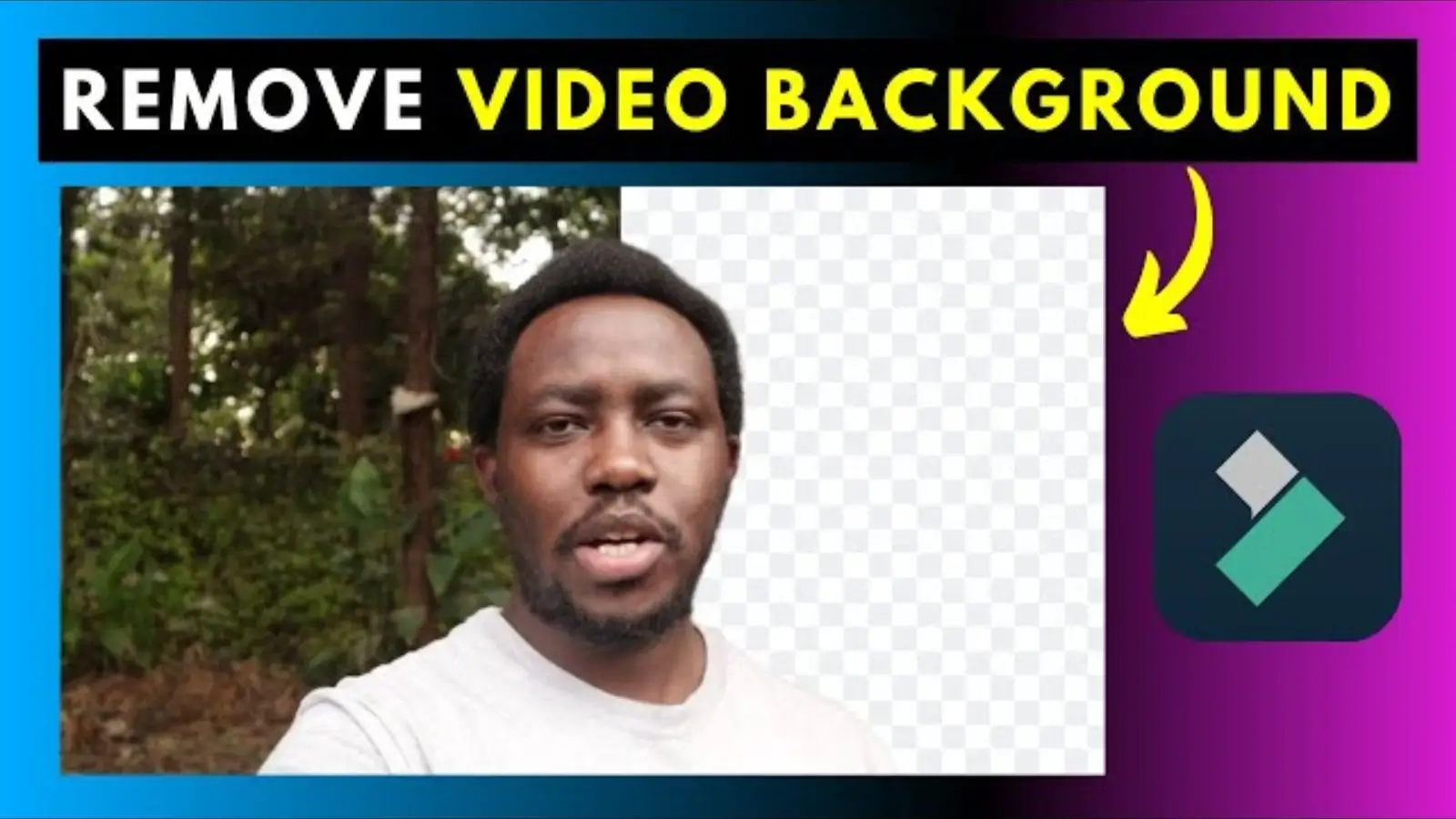
You don't need complex green screen systems and costly editing programs. In 2025, the video background remover is the go-to tool for creators wanting to separate subjects from their backdrop--whether it's for YouTube videos, presentations, or social media.
One standout option is GStory.ai's remove watermark from video, which works fully in your browser. Read on to find out how to speedily transform any video.
Key Takeaways
-
A video background remover like GStory.ai eliminates backgrounds with a single click--no green screen required.
-
The GStory tool is browser-friendly, rapid, and usable with no loss in terms of quality or frame rate.
-
A number of other tools are in place--each possessing its advantages.
-
Good use is important: subject permission and the right of usage should always be honored.
Why GStory.ai Shines as a Video Background Remover
GStory.ai is a smooth way to erase video backdrops in your browser--no software required. Here's why it's solid:
-
AI Subject Detection: Isolates the subject automatically, removes the background (even in a complicated composition).
-
Browser-Based Convenience: Works on any device--Windows, Mac, or even a tablet without software.
-
Excellent Results: Background removal preserves the smoothness and quality of the video.
-
Quick and Easy: No costly download or intimidating learning curve--best suited to amateurs and experts alike.
Step-by-Step: Use GStory.ai's Video Background Remover
-
Go to GStory.ai's Video Background Remover page.
-
Add your video (MP4 or MOV are most likely to work).
-
The AI will analyse your video and automatically remove the background.
-
Preview the subject in isolation (vs. transparency or clean background).
-
Download the finished clip, ready to be used in an overlay or directly.
Best Substitutes to Watch Other Than GStory.ai
|
Tool |
Highlights |
|
Unscreen |
Background is removed in a totally automated manner without any mask or green screens. Extremely awesome for GIFs and short video clips. |
|
Media.io Vid BG Remover |
AI-based removal that provides free options and export-quality results. Great for webinars, influencer content, and e-commerce. |
|
Kapwing |
One-click background delete--ideal for marketing videos and tutorial content. |
|
Veed.io |
Cut or cover video background, edit, add text, captions, and refine all in a single suite. |
|
CapCut |
Fully free, web-based, and mobile-friendly option--great for social media editing in a stylized way. |
Why a Video Background Remover Is Game-Changing
-
No green screen required--film anywhere and refine later.
-
Elegant, clear images instantly make your content look professional.
-
Recycle the same video by alternating backgrounds--economical for creators and businesses.
-
Easy to use across skill levels--even a beginner can edit like a pro.
Pro Tips for Best Results with a Video Background Remover
-
Ensure clean lighting and clear subject separation for accurate AI detection.
-
Use shorter clips for faster processing and previews.
-
Always preview before export to spot artifacts or missing details.
-
Choose the right output format--e.g., transparency (WebM) for overlays.
-
For multiple videos, batch processors like Media.io save time and effort.
Ethical Considerations
A video background remover is powerful, but with that comes responsibility. Always avoid background erasing on videos you do not own or of people without their permission. Ethical edits build trust and credibility with your audience.
Conclusion
Whether you're making tutorials, promotional videos, or social content, using a video background remover helps focus attention, elevate visuals, and unlock creative flexibility.
Try GStory.ai's Video Background Remover for a quick, browser-based solution--and explore alternatives like Unscreen, Media.io, Kapwing, Veed.io, and CapCut depending on your needs.
Business Outstanders brings you sharp insights on tech, business, entrepreneurship, law, crypto, and more. We uncover what’s next. Stay updated, sign up for our newsletter and be part of the future!