The novelty of generative AI has largely moved past the "magic trick" phase for professional creators. While the ability to generate a high-fidelity image from a single sentence was enough to capture headlines two years ago, the current landscape demands something more difficult to achieve: predictability. For those building content at scale—whether for performance marketing, YouTube production, or brand design—the goal isn't just one great image. The goal is a repeatable pipeline where the output matches the vision with a high degree of certainty.
Transitioning from a casual user to an operator involves shifting the focus from "prompting" to "architecting." This requires a deep understanding of how tools like Banana AI function not just as standalone generators, but as modular components of a broader creative workflow.
The Pivot from Prompting to Pipeline
Most creators start their journey by throwing prompts at a model and hoping for the best. This "slot machine" approach is fine for experimentation, but it is a massive drain on resources and time in a production environment. A pipeline-oriented approach focuses on the inputs that control the output: model selection, aspect ratio consistency, and the bridge between static imagery and motion.
When we talk about a creative loop, we are referring to the iterative process where an initial concept is refined through several stages of generation. This might start with a low-fidelity "Turbo" model to test composition, move to a high-fidelity engine for the final "hero" asset, and then transition into a video model for social media distribution. By standardizing these steps, you reduce the "creative tax"—the time spent waiting for a render that was never going to work because the initial settings were wrong.
Model Selection as a Strategic Foundation
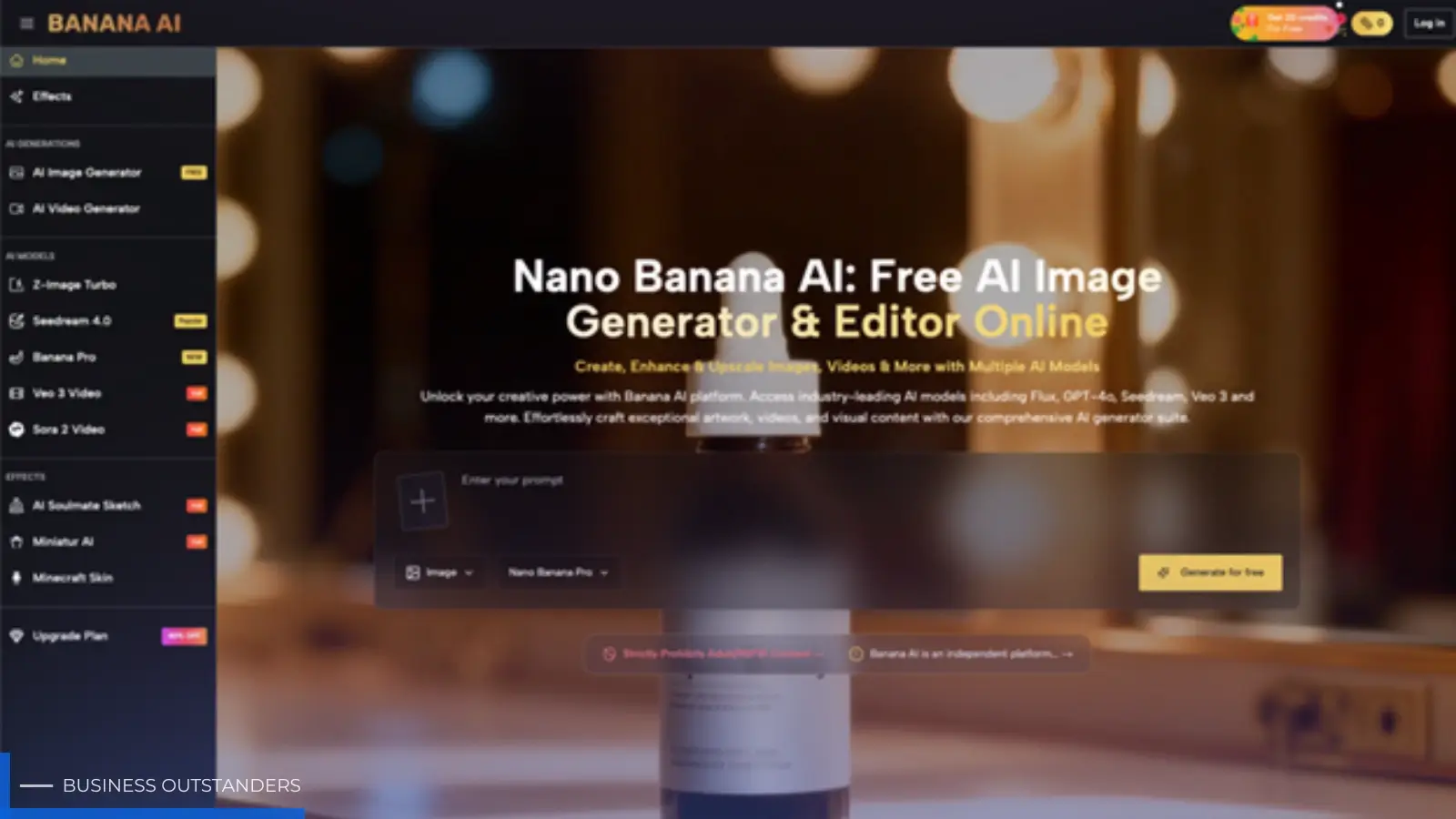
One of the most overlooked aspects of the workflow is choosing the right model for the specific task at hand. Within the Banana AI ecosystem, different engines serve distinct purposes.
Z-Image Turbo vs. Seedream 4.0
The choice between a "Turbo" model and a high-fidelity model like Seedream 4.0 is essentially a choice between speed and depth. In the ideation phase, Z-Image Turbo is the superior choice. It allows a creator to "sketch" with AI, rapidly iterating on color palettes and lighting setups without exhausting credit balances or spending minutes waiting for a single render.
However, it is important to reset expectations here: Turbo models often lack the nuanced texture and complex anatomical accuracy required for final delivery. If your project requires intricate skin textures or specific architectural details, Seedream 4.0 is the production-grade choice. The workflow should reflect this. Use the faster model to lock in your composition, then move the successful prompt—and potentially the seed number—into the higher-tier model for the final export.
Establishing Consistency with Banana AI Image
The greatest challenge in AI production is consistency. If you generate a character in one frame, getting that same character to appear in a different pose or environment in the next frame is notoriously difficult. This is where the specialized tools within Banana AI Image become critical.
The Role of the Image to Image Workflow
Rather than relying purely on text, the Image-to-Image (I2I) workflow uses an existing image as a structural guide. For a creator, this means you can take a rough mockup—perhaps a photo of a hand-drawn sketch or a basic 3D block-out—and use the AI to "skin" that image. This provides a level of control over composition that text prompts simply cannot match.
However, a moment of limitation must be acknowledged: I2I is not a magic wand for perfect consistency. Even with high "denoising" or "influence" settings, the AI will often introduce artifacts or change subtle details of the base image. A creator must be prepared to perform some post-production cleanup in traditional software like Photoshop or Premiere. The AI gets you 90% of the way there, but the final 10% is where human judgment remains the bottleneck.
The Static-to-Motion Bridge: Veo 3 Video
For many creators, the ultimate goal is moving image content. The transition from a static image generated in Banana AI Image to a video sequence involves a specific set of hurdles. The Veo 3 Video model allows for both Text-to-Video and Image-to-Video (I2V) generation.
In a professional workflow, the Image-to-Video path is almost always preferred over Text-to-Video. Why? Because it allows you to lock in the visual aesthetic in the static phase before introducing the complexity of temporal motion. If you can't get the "hero" frame right, there is no point in trying to animate it.
Managing Temporal Drift in AI Video
One of the significant uncertainties in AI video production is "temporal drift." This occurs when the model begins to lose the structural integrity of the original image as the video progresses. A character’s face might change slightly, or a background building might start to "melt."
To mitigate this, successful creators keep their AI video clips short—usually between 3 and 5 seconds. Instead of trying to generate a single 30-second AI masterpiece, it is far more effective to generate six high-quality 5-second clips and stitch them together in an editor. This "micro-clip" strategy ensures that the AI stays within its zone of competency and reduces the likelihood of jarring visual errors.
Operationalizing the Export: Settings and Discipline
A repeatable workflow is built on boring details: aspect ratios, seed numbers, and prompt weighting.
The Importance of the Seed Parameter
Every image generated has a "Seed"—a unique number that represents the starting point of the noise from which the image is formed. If you find a visual style you like, record that seed. By keeping the seed constant and making minor adjustments to the text prompt, you can explore variations of a theme while keeping the underlying structure relatively stable. Banana AI provides access to these parameters, and ignoring them is the fastest way to ensure your workflow remains chaotic.
Aspect Ratio Awareness
It sounds fundamental, but aspect ratio selection should happen before the first prompt is typed. Generating a cinematic 16:9 image and then trying to crop it into a 9:16 vertical video for TikTok later is a recipe for poor composition. The Banana AI interface allows for these toggles (16:9, 5:4, 4:3, 1:1, etc.) for a reason. Production efficiency depends on generating assets that are already "frame-ready" for their intended platform.
The Reality of Credit Management and Iteration
AI generation is a metered resource. Whether you are using the free daily credits or a premium plan, a professional creator views credits as a production budget.
There is a common misconception that "more prompting" leads to better results. In reality, over-prompting—adding dozens of descriptive keywords like "4k, high resolution, masterpiece"—often confuses the model and leads to "over-cooked" images that look plasticky or unnatural. A disciplined workflow uses concise, descriptive language and relies on the model’s internal understanding of lighting and physics.
It is also worth noting that AI is not always the best tool for every job. If you need a very specific piece of text or a highly accurate corporate logo within an image, AI models still struggle with precise typography and brand guidelines. In these cases, it is often more efficient to generate the "clean" background in Banana AI and then overlay the text or logo using traditional graphic design tools. Expecting the AI to do everything in one pass is a primary cause of creator frustration.
Conclusion: From Creator to Director
The shift from manual creation to AI-augmented production is essentially a shift in roles. You are no longer the one holding the brush; you are the Director and the Cinematographer. Your job is to set the scene, select the right "actors" (models), and ensure that the final "cut" is consistent.
By building a repeatable loop—starting with rapid ideation in Banana AI Image, moving to high-fidelity refinement, and finally bridging into video—you can produce content at a scale that was previously impossible. The key is to respect the limitations of the technology. Don't fight the drift; work around it. Don't guess at results; use seeds and I2I to guide them. When you stop treating AI like a toy and start treating it like a pipeline, the creative possibilities move from random to remarkable. Mastering an AI image creator workflow is what ultimately helps turn experimentation into a consistent, production-ready system.
Business Outstanders brings you sharp insights on tech, business, entrepreneurship, law, crypto, and more. We uncover what’s next. Stay updated, sign up for our newsletter and be part of the future!