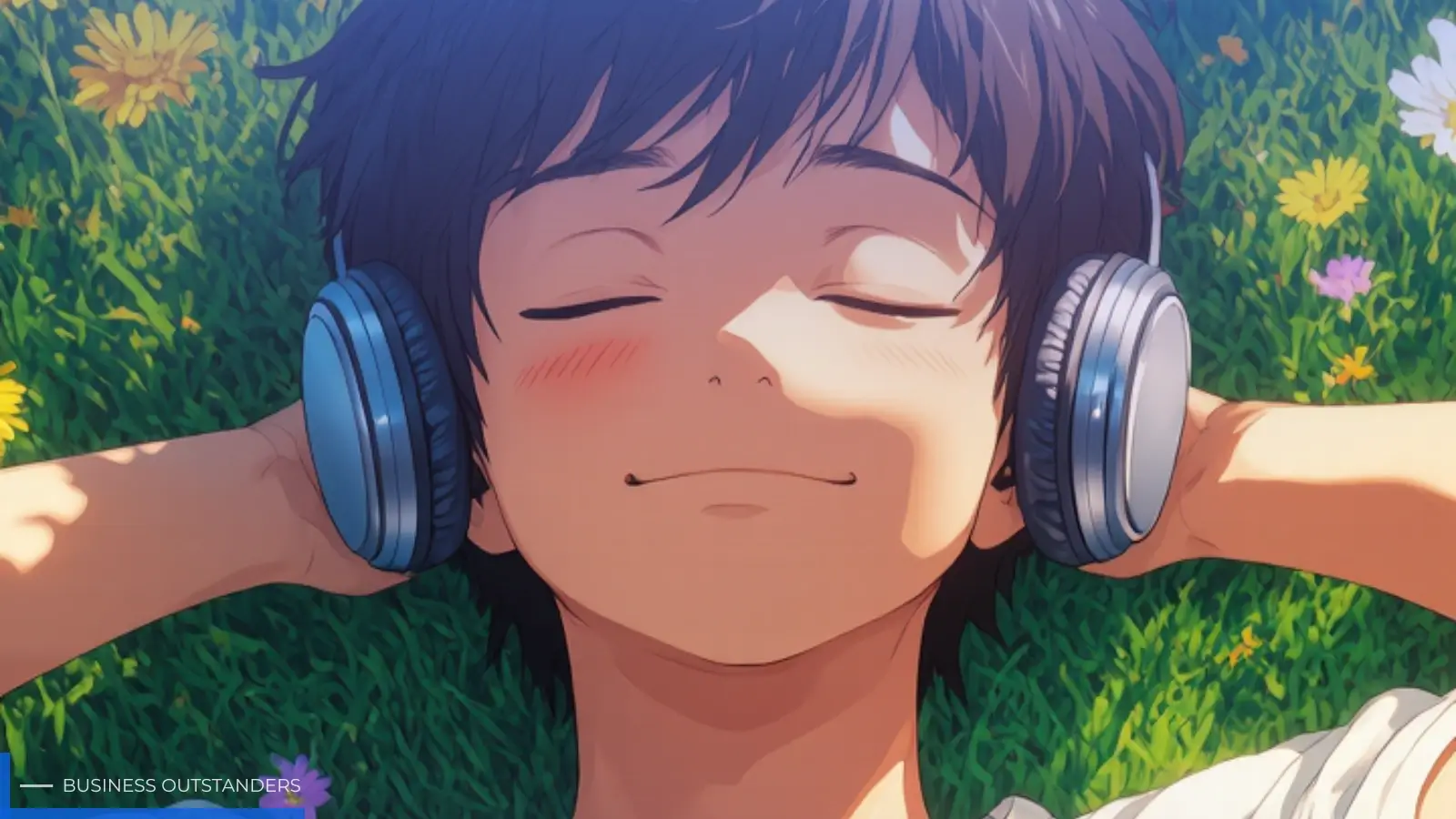
The way we create visual content has changed dramatically. Not long ago, producing a high-quality image meant hiring a designer, purchasing stock photos, or spending hours in editing software. Today, anyone with a text prompt can generate stunning visuals in seconds. Text to picture AI has made this possible — and it is reshaping how creators, marketers, and businesses approach visual storytelling.
Whether you are a blogger looking to illustrate your latest post, a social media manager racing against a content calendar, or a small business owner who needs product visuals without a photography budget, AI image generation tools offer a practical and accessible solution. The technology has matured rapidly, and the results are increasingly indistinguishable from professionally produced artwork.
This guide walks you through everything you need to know: how text to picture AI works, why it matters, how to use it effectively, and where it fits into your creative workflow. By the end, you will have a clear picture of how to put this technology to work for your specific needs.
What Is Text to Picture AI and How Does It Work?
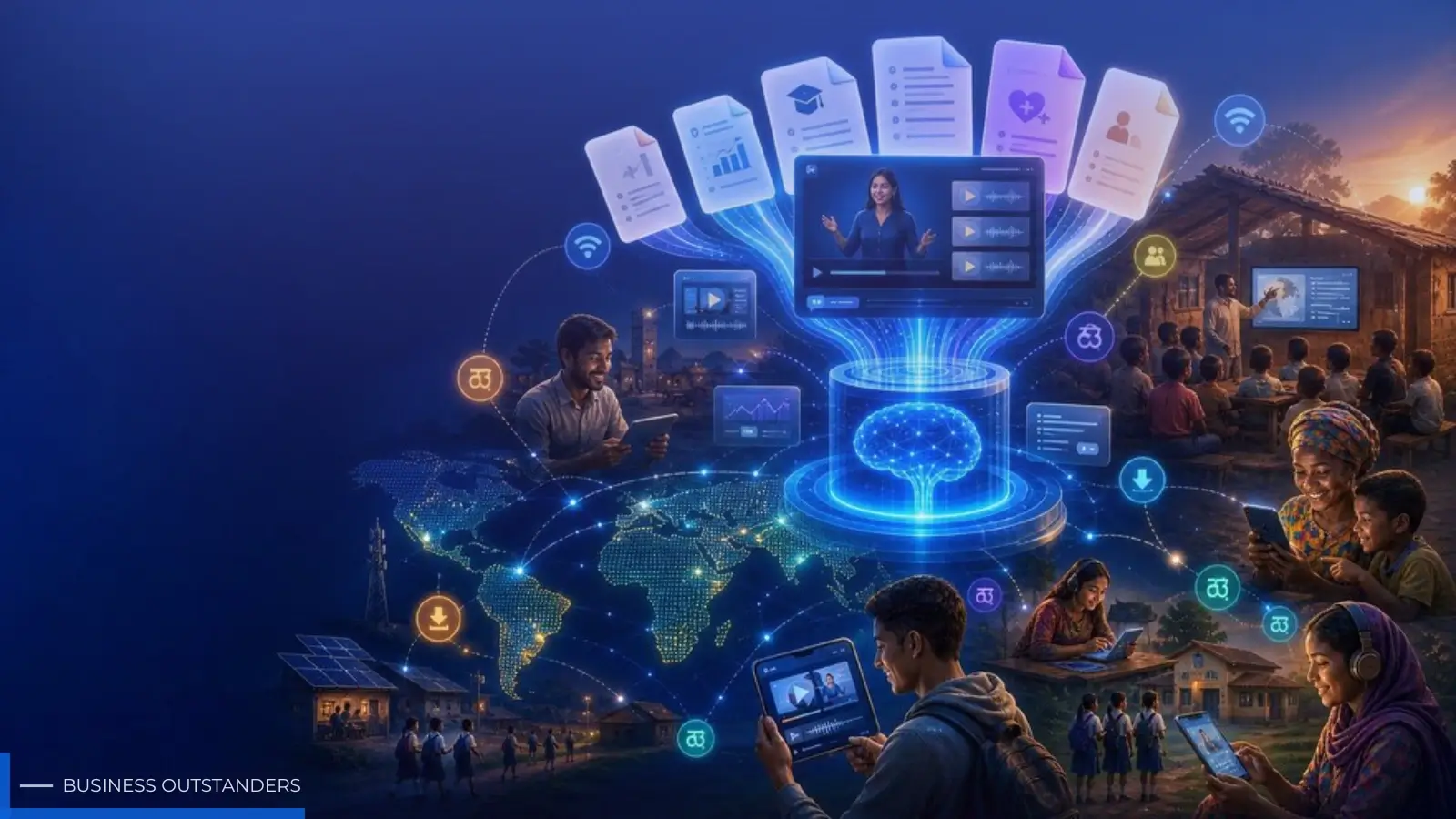
Text to picture AI refers to a category of artificial intelligence tools that convert written descriptions into visual images. You type a prompt — a sentence or paragraph describing what you want to see — and the AI generates an image that matches your description. The process takes seconds, and the output can range from photorealistic scenes to stylized illustrations, abstract art, and everything in between.
These tools are built on large-scale machine learning models trained on billions of image-text pairs. During training, the model learns to associate visual patterns with language concepts. When you enter a prompt, the model draws on this learned knowledge to construct an image that reflects your words. The more specific and descriptive your prompt, the more accurately the output aligns with your vision.
Modern text to picture AI platforms have become remarkably capable. They can handle complex scenes, maintain stylistic consistency, render fine details like text and logos, and even produce images at resolutions suitable for professional use. Some platforms now support 2K and 4K output, making them viable for print and high-definition digital applications.
The Technology Behind AI Image Generation
Most contemporary AI image generators use a technique called diffusion modeling. The process starts with random noise and gradually refines it into a coherent image guided by the text prompt. This iterative refinement is what allows the model to produce detailed, high-quality results rather than blurry approximations.
Alongside diffusion models, many platforms incorporate transformer-based architectures that improve the model's understanding of language nuance. This means the AI can interpret not just individual words but the relationships between them — understanding that "a cat sitting on a red velvet chair in soft morning light" is a very different scene from "a cat on a chair." The result is more accurate, context-aware image generation that responds to the full meaning of your prompt.
Key Benefits of Using Text to Picture AI
The appeal of text to picture AI goes beyond novelty. For anyone who regularly needs visual content, these tools offer concrete, measurable advantages over traditional image creation methods. Understanding these benefits helps you decide where and how to integrate AI image generation into your workflow.
Speed and Efficiency
The most immediate benefit is speed. A task that once required hours of design work — sourcing references, sketching concepts, iterating on feedback — can now be completed in under a minute. For content teams operating on tight schedules, this is transformative. You can generate multiple image variations from a single prompt, compare them side by side, and select the best option without waiting for a designer to revise their work.
This speed also enables rapid experimentation. Instead of committing to a single visual direction, you can test several concepts quickly and gather feedback before investing in full production. The iteration cycle shrinks from days to minutes, which accelerates decision-making across the entire creative process.
No Design Skills Required
Traditional image creation tools have steep learning curves. Mastering software like Photoshop or Illustrator takes years of practice. Text to picture AI removes this barrier entirely. The interface is language — something everyone already knows how to use. If you can describe what you want, you can create it.
This democratization of visual creation has significant implications for small teams and solo creators. A one-person business can now produce marketing visuals that look polished and professional without outsourcing to a design agency. A writer can illustrate their own articles without relying on stock photo libraries. The creative bottleneck shifts from technical skill to imagination and clear communication.
How to Create Images From Text Step by Step
Getting good results from a text to picture AI tool is a skill in itself. The quality of your output depends heavily on how you construct your prompts and which platform you choose. Here is a practical approach to both.
Writing Effective Text Prompts
A strong prompt is specific, descriptive, and structured. Start with the subject of your image, then add context about the setting, lighting, style, and mood. For example, instead of writing "a coffee shop," try "a cozy independent coffee shop interior with warm amber lighting, exposed brick walls, and a barista preparing espresso in the background, photorealistic style."
A few principles to keep in mind:
- Be specific about style: Mention whether you want photorealism, illustration, watercolor, 3D render, or another aesthetic.
- Describe the lighting: Lighting dramatically affects mood. Terms like "golden hour," "soft diffused light," or "dramatic side lighting" guide the AI toward the right atmosphere.
- Include composition cues: Words like "close-up," "wide angle," "bird's eye view," or "portrait orientation" help shape the framing.
- Avoid vague adjectives: Words like "nice" or "good" give the AI nothing to work with. Replace them with concrete descriptors.
Prompt writing improves with practice. Keep a record of prompts that produced strong results so you can build on them for future projects.
Choosing the Right AI Image Generator
Not all text to picture AI tools are equal. Different platforms excel in different areas — some prioritize photorealism, others are optimized for artistic styles, and some offer specialized features like high-resolution output or precise text rendering within images.
When evaluating a platform, consider the following factors: output resolution, the range of supported styles, how well the tool handles complex prompts, and whether it offers editing or refinement features after the initial generation. Platforms like Kling AI have built a strong reputation for producing high-quality images with fine detail retention, including legible text within generated scenes — a feature that matters significantly for marketing and e-commerce applications.
Also consider the platform's pricing model. Many tools offer free tiers with daily credit limits, which is sufficient for casual use. If you need to generate images at scale, look for plans that offer bulk credits or unlimited generation within a subscription.
Best Use Cases for Text to Picture AI
Text to picture AI is versatile enough to serve a wide range of creative and professional needs. Understanding where it fits best helps you get the most value from the technology without overextending its capabilities.
Content Marketing and Social Media
Visual content is the backbone of effective social media marketing. Platforms like Instagram, Pinterest, and LinkedIn reward posts with strong imagery, and the demand for fresh visuals is relentless. Text to picture AI allows marketing teams to maintain a consistent posting cadence without burning through a design budget.
You can generate on-brand visuals for campaigns, create custom illustrations for blog post headers, produce product mockups for announcements, and design eye-catching graphics for paid ads — all from text descriptions. The ability to iterate quickly also means you can A/B test different visual approaches to see what resonates with your audience before scaling a campaign.
Blogging and Digital Publishing
Every article benefits from strong visual support, but sourcing relevant, high-quality images is time-consuming and often expensive. Stock photo libraries are limited in scope and frequently produce generic results that do not match the specific angle of your content. AI image generation solves this problem by letting you create exactly the image you need for each piece of content.
A blogger writing about urban gardening can generate a custom illustration of a rooftop vegetable garden. A tech journalist covering a new software release can create a conceptual visual that captures the story's theme. The result is more distinctive, more relevant imagery that strengthens the reader's connection to the content and improves the overall quality of the publication.
Your Next Step in AI-Powered Visual Creation
Text to picture AI has moved from an experimental curiosity to a practical tool that belongs in every creator's toolkit. The technology is accessible, fast, and capable of producing results that meet professional standards. Whether you are generating visuals for social media, illustrating written content, or exploring new creative directions, AI image generation removes the barriers that once made visual production slow and expensive.
The key to getting the most from these tools is learning to write clear, descriptive prompts and choosing a platform that matches your specific needs. Start with a free tier to get comfortable with the workflow, then scale your usage as your confidence grows. The more you experiment, the better your results will become.
Visual storytelling has never been more accessible. With the right text to picture AI tool, your ideas are only a prompt away from becoming compelling images that capture attention and communicate your message with clarity and impact.
Business Outstanders brings you sharp insights on tech, business, entrepreneurship, law, crypto, and more. We uncover what’s next. Stay updated, sign up for our newsletter and be part of the future!