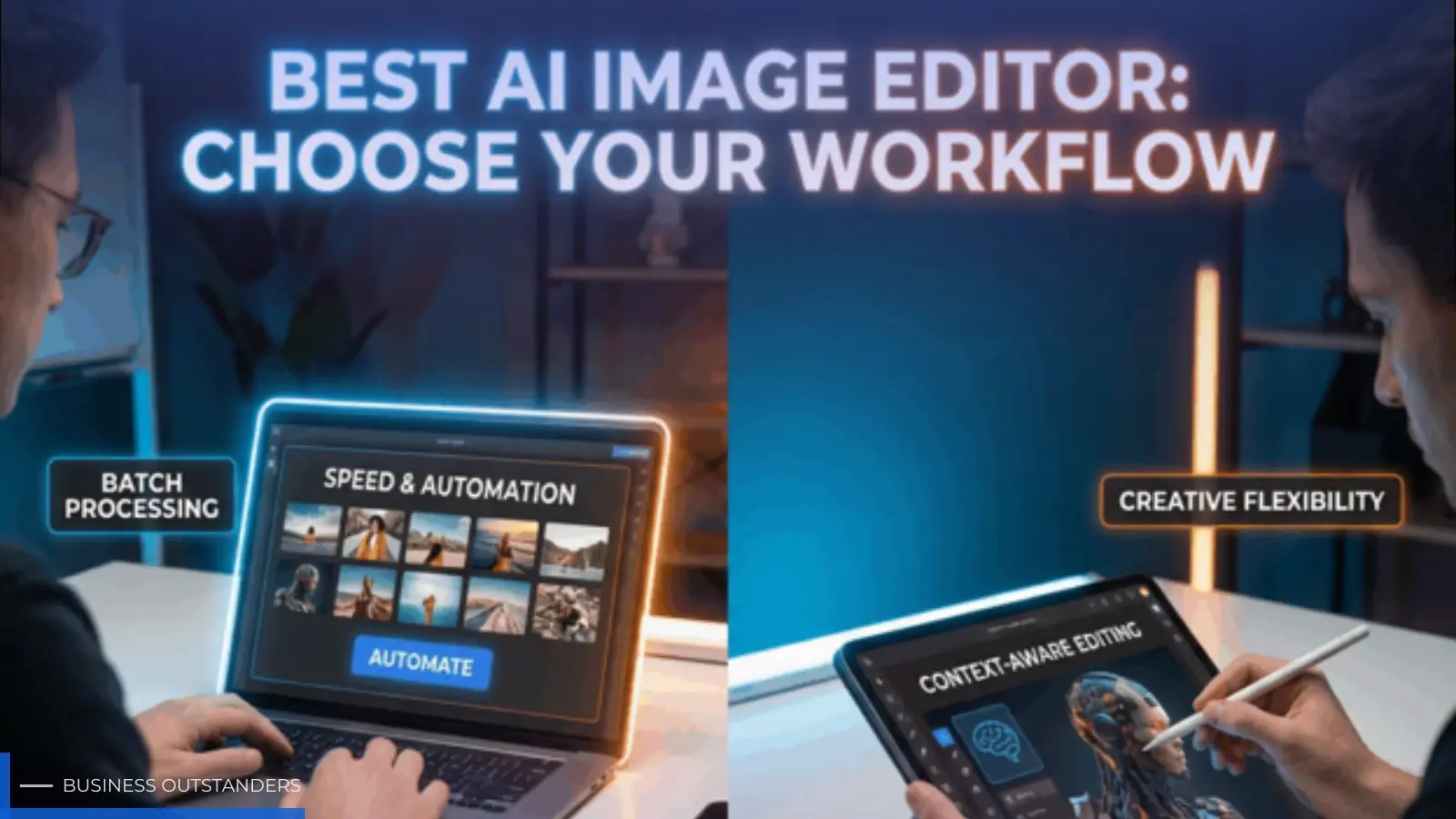
Visual content has become essential for businesses, creators, marketers, designers, ecommerce brands, and content teams. Whether the goal is to publish a social media campaign, launch a new product, create blog graphics, or prepare promotional materials, the demand for high-quality visuals continues to grow. Instead of relying on a single creative process, many teams now use AI-powered workflows that help generate, edit, and refine images more efficiently. AI Image Editor brings together multiple image models and editing tools, allowing users to choose the workflow that best fits their project rather than assuming one option works for every situation.
Every creative project begins with different requirements. Some start with a written prompt, while others involve an existing image that needs editing or enhancement. A marketing department may need concept artwork for an advertising campaign, whereas an online store may require product photos with clean backgrounds and consistent dimensions. Matching the workflow to the task can help streamline production while keeping the review process organized.
Creative teams also benefit from flexibility. Rather than switching between several unrelated applications, they can work within a platform that supports different image generation, editing, and enhancement workflows. This makes it easier to move from brainstorming ideas to producing finished visual assets for websites, social media, presentations, and ecommerce stores.
Choosing the Right Workflow for Image Creation and Editing
Not every creative task requires the same approach. The best workflow depends on the available source materials, the desired outcome, and the amount of editing involved. Nano Banana 2 AI image generator is one of the image-model workflows available through AI Image Editor for users who need prompt-based image creation or reference-led refinement. The platform also includes image-model pages for GPT Image 2 and Seedream 5 Lite, giving users the flexibility to choose the workflow that aligns with their project instead of treating one model as the answer for every creative challenge.
For example, a designer developing early concepts for a campaign may begin with text-to-image generation, while an ecommerce team may prefer image-to-image editing to improve existing product photographs. Similarly, content creators working with established branding may use reference-led refinement to maintain a consistent visual style across multiple assets. Choosing the workflow that matches the creative objective often leads to a smoother production process.
Understanding Common AI Image Workflows
Modern creative projects often involve more than simply generating an image from text. Depending on the task, teams may use different workflows throughout the production cycle.
Some of the most common workflows include:
- Text-to-image creation for original concepts.
- Image-to-image editing for improving existing visuals.
- Reference-led refinement for maintaining visual consistency.
- Product image preparation for ecommerce listings.
- Marketing creatives for advertising campaigns.
- Social media graphics for multiple platforms.
- Posters and presentation visuals.
- Thumbnail creation for blogs and videos.
Because every project has unique requirements, selecting the appropriate workflow helps creative teams stay efficient while maintaining quality.
Preparing Ecommerce Product Images
Ecommerce businesses frequently manage hundreds or even thousands of product images across websites and online marketplaces. Product photos often need background cleanup, consistent formatting, or higher resolution before publication.
AI Image Editor includes tools such as Background Remover and Image Upscaler, which can be useful when preparing existing images instead of creating entirely new ones. Removing distracting backgrounds, improving image clarity, and preparing visuals for different display sizes can simplify product management while maintaining a professional appearance.
These editing tools become particularly useful when businesses need to update seasonal catalogs, promotional materials, or marketplace listings without repeating the entire photography process.
Supporting Marketing and Design Teams
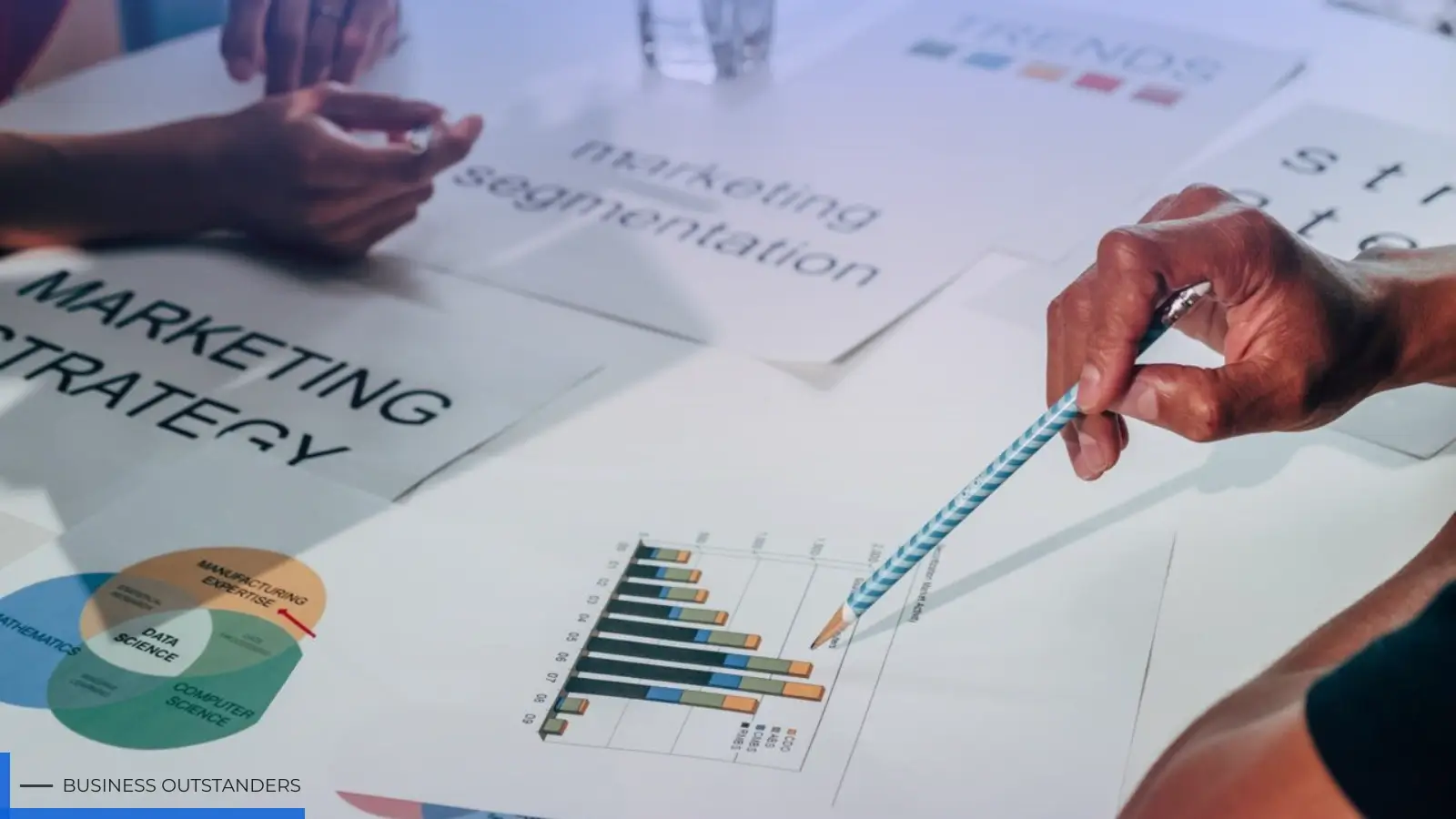
Marketing departments regularly create a wide variety of visual assets, including display advertisements, blog graphics, promotional banners, posters, email visuals, and presentation materials. Designers often move through several stages before finalizing an image, making flexible editing workflows valuable throughout the creative process.
Instead of relying on one creative method for every campaign, AI Image Editor enables users to select workflows that match their project goals. Some campaigns may begin with concept generation, while others require editing existing artwork or refining images using references supplied by the design team.
This flexibility allows marketing professionals to adapt their workflow according to deadlines, branding requirements, and internal review processes.
Creating Content for Social Media
Content creators and social media managers publish visual content across multiple platforms every day. Different platforms require different image dimensions, layouts, and presentation styles, making flexible editing especially important.
Common content types include:
- Social media posts
- Promotional graphics
- Blog featured images
- Event posters
- YouTube thumbnails
- Display advertisements
- Presentation visuals
By combining image generation with editing tools, creators can prepare assets for multiple platforms without recreating every design from scratch.
Extending Creative Projects into Video
Visual communication increasingly includes short-form video alongside static images. Marketing campaigns, educational content, and product promotions often require animated visuals that complement existing graphics.
AI Image Editor supports video workflows through supported model pages, including:
- Text-to-video
- Image-to-video
- Reference-to-video
- Video editing
Rather than treating every project the same, users can select the workflow that best matches their available source materials, references, creative objectives, and review process.
Choosing the Best Workflow for Your Project
Selecting the right workflow begins with understanding the project's needs rather than focusing on a specific model.
Before starting, teams should consider:
- Whether they are creating new images or editing existing ones.
- The availability of reference images.
- Branding and visual consistency requirements.
- The desired output format.
- Internal collaboration and approval workflows.
- Whether the final asset will be used for websites, social media, ecommerce, or presentations.
Matching these requirements with the appropriate workflow can improve efficiency while supporting a more organized creative process.
Commercial Use Considerations
If AI-generated images or videos will be used commercially, it is important to review the platform terms, model-specific licensing conditions, and any applicable third-party rights before publishing content. Users should also consider copyright, trademark, and likeness requirements where relevant to ensure that visual assets are used responsibly.
Conclusion
Modern creative work requires more than a single image-generation tool. Designers, marketers, ecommerce businesses, creators, and content teams often benefit from choosing workflows that match their project goals instead of relying on one model for every task.
AI Image Editor supports this flexible approach by bringing together image-model pages for GPT Image 2, Nano Banana 2, and Seedream 5 Lite, along with practical tools such as Background Remover and Image Upscaler where relevant. It also supports video workflows through text-to-video, image-to-video, reference-to-video, and video editing via supported model pages. By selecting workflows that fit the desired output, available source assets, references, and review process, teams can create and prepare visual content in a way that aligns with their specific creative requirements while remaining mindful of platform terms and applicable licensing considerations.
Also Read: Nano Banana Pro: AI Creative Speed for Marketers
Business Outstanders brings you sharp insights on tech, business, entrepreneurship, law, crypto, and more. We uncover what’s next. Stay updated, sign up for our newsletter and be part of the future!