A few years ago, creating a polished, original image meant hiring a designer, licensing stock photography, or spending hours in editing software. Today, you can describe what you want in a sentence and get a usable image in seconds. AI image generators have moved from novelty to an everyday tool for creators, marketers, and businesses of all sizes.
But not all tools are equal, and the results depend heavily on which one you use and how you use it. This guide explains what AI image generators are, what you can do with them, and how to choose one that fits your needs.
What is an AI image generator?
An AI image generator is a tool that turns a text description, often called a prompt, into an original image. You type what you want to see, and the model produces a picture based on it. Many tools also let you start from an existing image and transform it rather than working from text alone.
Most modern generators are built on diffusion models, a type of AI trained on huge sets of images and captions. In simple terms, the model learns the relationship between words and visuals, then generates a new image that matches your description rather than retrieving an existing one. The output is original each time, which is part of what makes the technology so useful.
The practical upshot is that anyone can create custom visuals without design skills, a camera or a stock library.
What you can do with them
The range of uses has grown quickly as quality has improved. AI image generators are now used across all kinds of work, including:
- Marketing and ad creative, producing on-brand visuals quickly and cheaply
- Social media content, generating scroll-stopping images tailored to each post
- Blog and article imagery, replacing generic stock photos with something specific
- Product and concept mockups, visualizing ideas before committing resources
- Illustration and concept art, exploring styles and directions fast
The common thread is speed and flexibility. Instead of commissioning or searching for an image, you can generate exactly what you need and iterate on it in minutes.
What to look for in an AI image generator
The tools vary widely, so it helps to know what separates a capable one from a frustrating one. A few factors matter most:
- Image quality and realism, since the whole point is output you can actually use
- Choice of models, because different models excel at different styles, from photorealism to illustration
- Creative control, including prompt precision, image-to-image generation and inpainting to edit specific areas
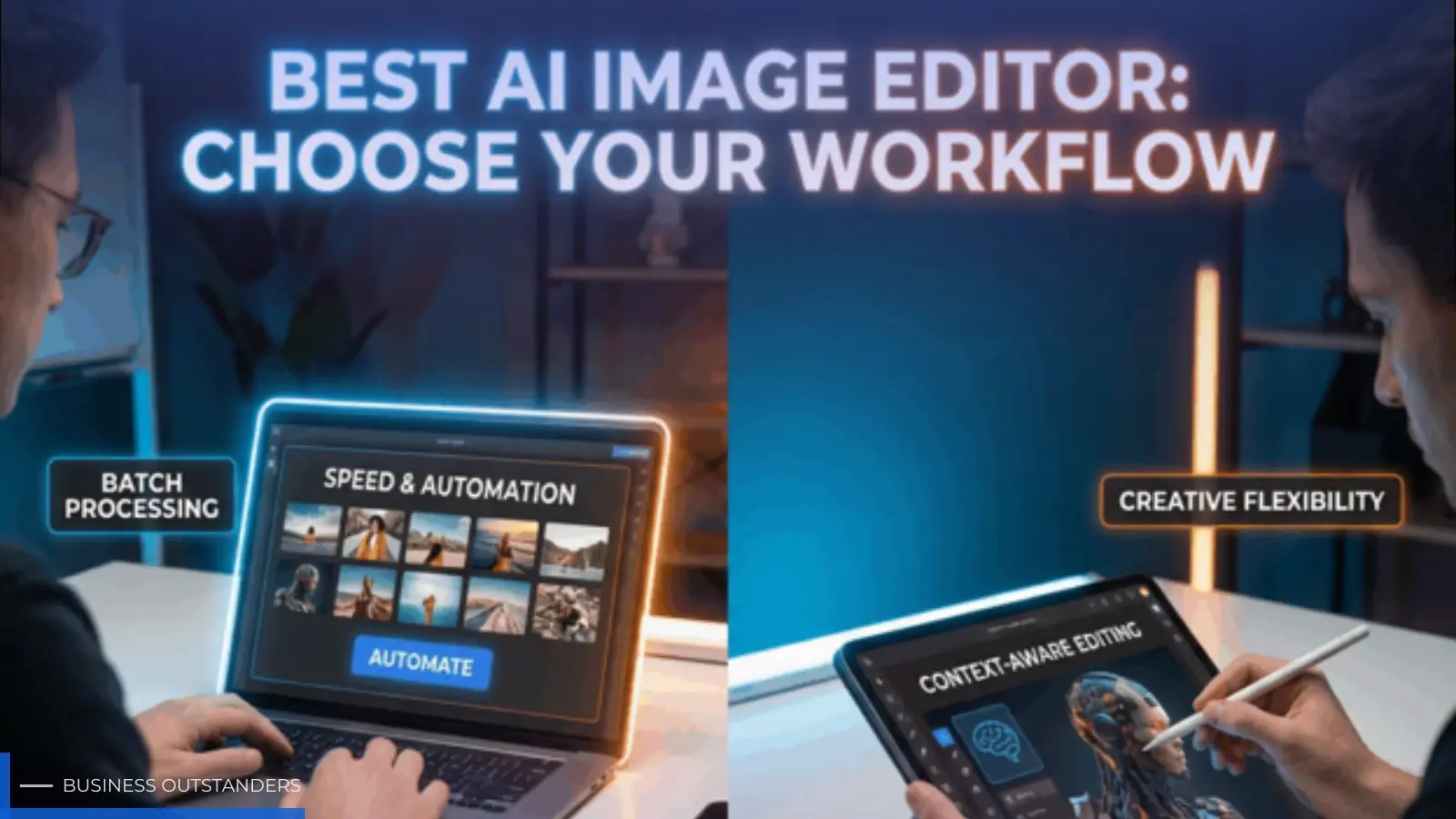
- Built-in editing tools, such as background removal, upscaling and retouching, so you can finish an image in one place
- Speed and ease of use, so you can iterate quickly without a steep learning curve
- Licensing and commercial rights, which matter if you plan to use images in your business
This is where a dedicated platform helps. Tools like Getimg.ai bring these capabilities together, offering text-to-image generation across a range of AI models alongside editing features, and for anyone comparing options, Getimg.ai's guide to the Best AI Image Generator tools breaks down what to weigh. Having generation and editing in one place saves the hassle of moving images between separate apps.
The right balance of these factors depends on your work. A marketer may prioritize speed and commercial licensing, while an illustrator may care most about model variety and fine control.
Tips for getting better results
Even the best tool benefits from good technique, and the difference between a mediocre image and a great one is often the prompt. A few habits help.
Be specific about what you want. Describe the subject, the style, the setting, the lighting and the mood, since vague prompts produce generic results. Instead of "a coffee shop," try "a cozy modern coffee shop with warm morning light and wooden tables."
Iterate rather than expecting perfection first time. Generate a few options, see what works, then refine your prompt or use editing tools to adjust. Many tools let you regenerate specific areas, change the style or extend an image, so treat the first result as a starting point rather than the finished piece.
Finally, learn from what works. Save prompts that produce strong results, and study the styles and keywords that consistently deliver, so your process gets faster over time.
A note on responsible use
As AI images become more realistic, using them responsibly matters. Be transparent where it counts, avoid generating misleading images of real people or events, and check the licensing terms of any tool before using its output commercially.
Used well, these tools expand what you can create rather than deceive anyone, and keeping that distinction in mind protects both your audience and your brand.
The bottom line
AI image generators have become genuinely useful tools that let anyone create original, custom visuals in seconds. The technology turns a simple description into an image, and the best tools pair high-quality generation with the models, control and editing features you need to finish the job.
To get the most from them, choose a platform that matches your priorities, whether that is realism, model variety or all-in-one editing, and invest a little time in writing clear, specific prompts. With the right tool and a bit of practice, you can produce professional-looking visuals for marketing, content, products and more, far faster and more affordably than the old way of working.
Business Outstanders brings you sharp insights on tech, business, entrepreneurship, law, crypto, and more. We uncover what’s next. Stay updated, sign up for our newsletter and be part of the future!