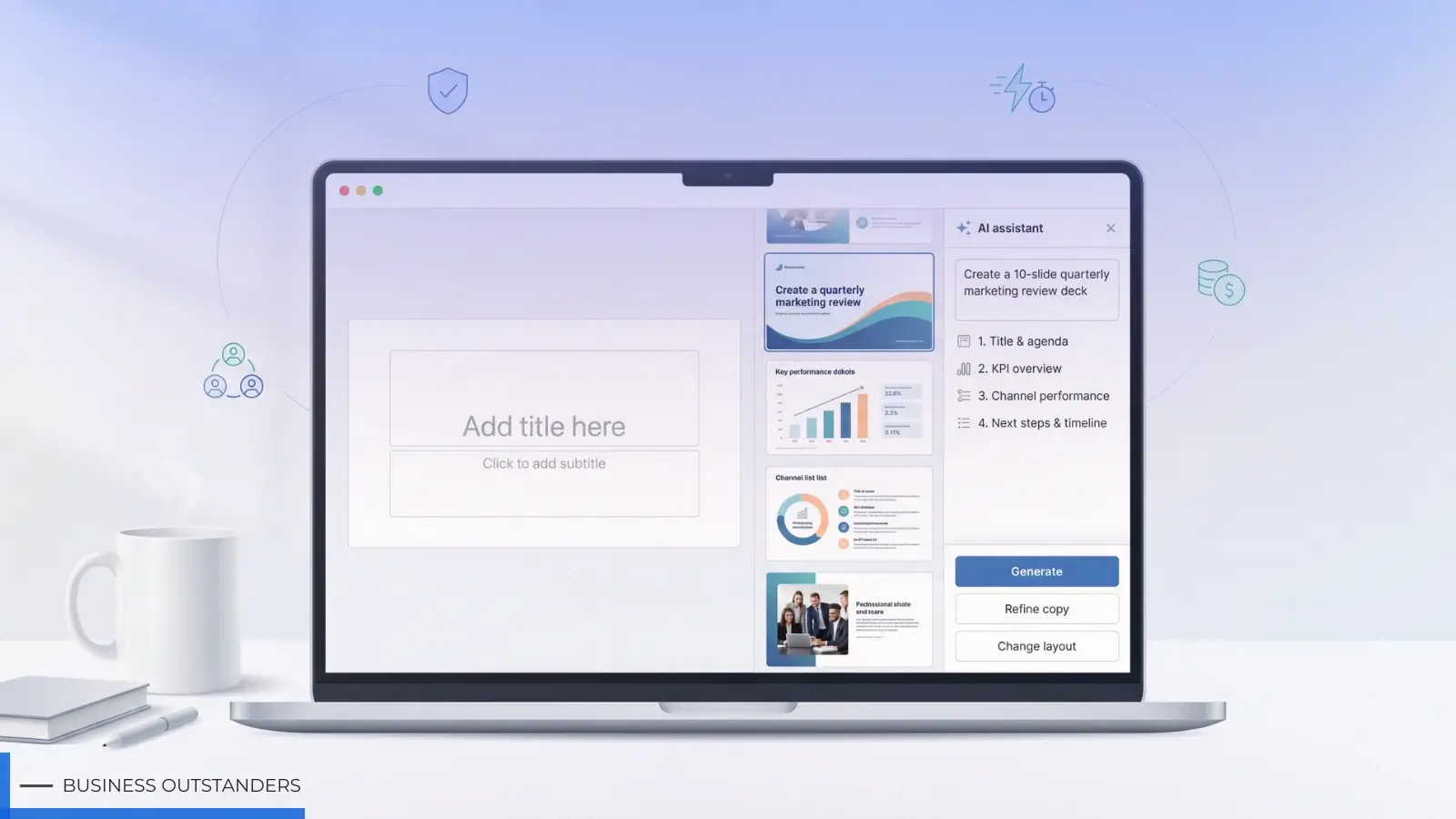
Creating visual content used to mean choosing between hiring a designer, learning complex software, or settling for stock photography that never quite fit the brief. That equation has shifted. Platforms like Image 2 now bring together several AI image generation and editing workflows in a single workspace, letting creators, marketers, and design teams move from an idea to a usable visual without switching between disconnected tools. Instead of betting on one model for every task, teams can pick the workflow that fits the job in front of them — a product mockup, a social post, a poster concept, or a quick edit to an existing image.
This shift matters because no single image model handles every creative task equally well. Some are tuned for photorealistic detail, others for stylized illustration, and others for fast iteration on rough concepts. A platform that consolidates multiple models under one roof removes the friction of researching, subscribing to, and learning several separate tools just to cover a normal week of content production.
Why Multi-Model Access Changes the Workflow
Most creative teams don't need "an AI image generator." They need a way to solve different problems — a clean product shot one day, a punchy ad concept the next, a quick thumbnail resize after that. This is where a platform built around several models earns its usefulness. Rather than locking users into one engine's strengths and limitations, a tool like the GPT Image 2 image generator available through Image 2 sits alongside other supported models such as Nano Banana 2 and Seedream 5 Lite, giving users the option to compare outputs and select the result that best matches the brief.
Framed simply: model selection becomes a matter of fit, not hierarchy. A workflow suited to detailed product photography may not be the same one best suited to loose, expressive illustration for a blog header. Having both available in one place saves the back-and-forth of exporting files between separate apps. It's part of a wider trend in AI-powered creative workflows, where integrated platforms reduce friction and help teams move from concept to finished visuals more efficiently.
Core Use Cases in Everyday Creative Work
Text-to-image creation remains the starting point for most projects. A marketer describing a campaign concept, a designer sketching a mood board, or a content creator testing a visual idea can generate a first draft from a written prompt and refine from there.
Image-to-image editing is where much of the practical value shows up. Instead of generating from scratch every time, users can upload an existing image — a product photo, a rough sketch, a brand asset — and adjust lighting, background, composition, or style while keeping the core subject intact.
Reference-based refinement builds on this further. By supplying a reference image alongside a prompt, users can guide the output toward a specific color palette, pose, or layout, which is particularly useful when a brand has established visual guidelines that need to be respected across new assets.
Where This Fits for Different Teams
For ecommerce teams, generating consistent product visuals across a catalog — different angles, backgrounds, or seasonal themes — without a full photo shoot for every variation is one of the more time-consuming parts of the job. AI-assisted image editing can shorten that cycle for early drafts and concept testing, though final commercial assets should still be reviewed against brand and platform standards.
For marketing and social teams, the demand for fresh creative is constant: ad concepts, carousel graphics, banner variations, and platform-specific social media images all need to be produced on a rolling basis. Having several image workflows available means a team can quickly test multiple visual directions for a campaign before committing design resources to one.
For designers, these tools tend to work best as an ideation and drafting layer — useful for generating quick poster layouts, thumbnail concepts, or ad mockups that get refined further in traditional design software rather than shipped as-is.
A Note on Model Selection and Licensing
It's worth being clear-eyed about what a multi-model platform actually offers: access to different image generation workflows, not ownership or exclusive rights over any third-party model. Image 2 provides an interface through which supported models such as GPT Images 2.0, Nano Banana 2, and Seedream 5 Lite can be used, but each model's underlying technology belongs to its respective developer. Users working on commercial projects should review Image 2's platform terms as well as the licensing conditions tied to the specific model used, since usage rights can vary by model and by intended use.
Practical Takeaways
The value of a platform like this isn't that one model outperforms all others — it's that creative teams no longer need to manage separate subscriptions, interfaces, and learning curves to cover a range of visual tasks. Whether the need is a quick product image, a social graphic, or a refined poster concept, the more useful question isn't "which model is best," but "which workflow fits this particular task." Approaching AI image tools with that mindset tends to produce more consistent, usable results than chasing a single all-purpose solution.
Business Outstanders brings you sharp insights on tech, business, entrepreneurship, law, crypto, and more. We uncover what’s next. Stay updated, sign up for our newsletter and be part of the future!