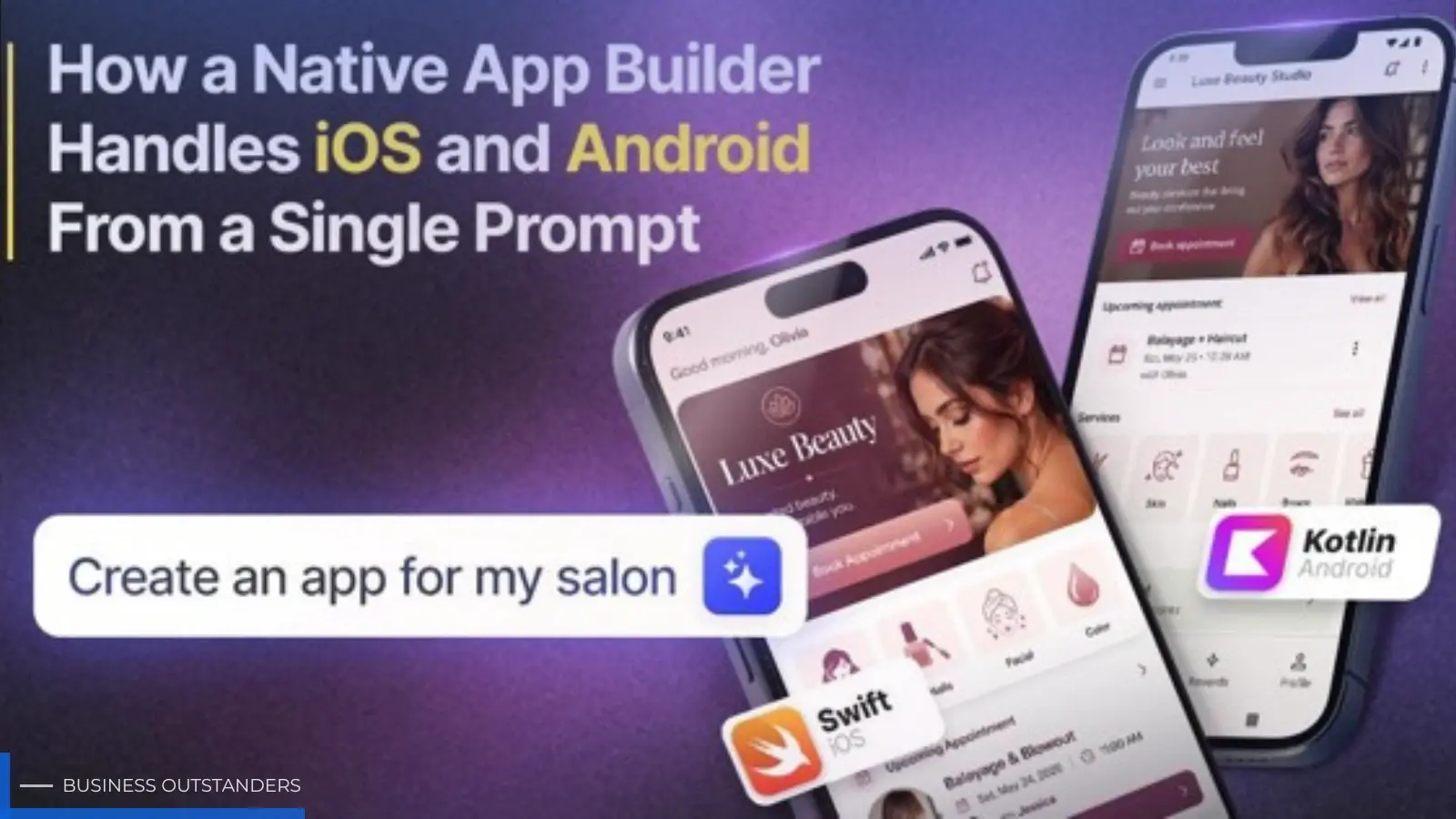
"Build me a calorie tracker with photo logging and a weekly summary."
Type a sentence like that into a native app builder and, a few minutes later, you can have a real iOS app and a real Android app running side by side. To a founder, it feels like magic. But it isn't magic it's a pipeline of hard problems being solved in sequence, and understanding that pipeline tells you a lot about which tools are worth trusting with your product.
Here's what actually happens between your prompt and two working native apps.
Step one: turning a sentence into a specification
A prompt is fuzzy. Software is precise. The first job of any serious app builder is to translate loose human intent into a concrete, structured plan.
When you write "a calorie tracker with photo logging and a weekly summary," the system has to infer a surprising amount: you'll need user accounts, a database of food entries, a way to attach images, a screen to add an entry, a screen to browse history, and some logic to aggregate the week. None of that was stated. All of it was implied.
This is where large language models earn their place. They're good at reading between the lines of a request and expanding it into the entities, screens, and flows a real app needs. The output of this stage isn't code yet — it's a blueprint. Get the blueprint wrong and everything downstream is wrong, which is why the best platforms let you refine it in plain language before a single line of code is generated.
Step two: respecting that iOS and Android are genuinely different
Here's the part founders underestimate most. iOS and Android aren't two skins over the same thing. They're two different worlds.
iOS apps are traditionally built in Swift, using Apple's UIKit or SwiftUI frameworks. Android apps are built in Kotlin, using Jetpack Compose or the older View system. The two platforms disagree about almost everything that matters visually and structurally: how navigation works, how a back button behaves, how permissions are requested, how notifications are delivered, even the spacing and typography users expect. An interface that feels right on an iPhone can feel subtly wrong on a Pixel, and vice versa.
So "one prompt, two platforms" is not a copy-paste job. A capable builder has to take that single blueprint and express it twice — once in the idioms of iOS, once in the idioms of Android so that each app feels native to the device it's running on rather than like a foreigner. That dual translation is the core technical challenge, and it's what separates a real native app builder from a tool that quietly ships the same web page to both stores.
Step three: generating native code, not a wrapper
This is the fork in the road.
The shortcut many "app builders" take is to generate a single mobile website and wrap it in a container so it can be listed in the app stores. It's cheaper to build and easier to maintain — for the vendor. For you, it means slower performance, clunky access to the camera and sensors, notifications that don't quite work, and a growing risk of rejection as Apple and Google crack down on repackaged web views.
A true native app builder does the harder thing: it generates actual platform code. Real Swift for iOS, real Kotlin for Android, compiled into real apps. This is exactly the approach LastApp.ai takes producing genuinely native iOS and Android applications from a prompt rather than a web view in disguise. The payoff is apps that are fast, that can reach into the device's hardware, and that behave the way users and app-store reviewers expect native apps to behave.
The difference is invisible in a screenshot and glaring in your hands.
Step four: the half nobody talks about — the backend
An app on a phone is only half a product. The moment you have user accounts, saved data, or anything shared between users, you need a backend: a database to store information, server logic to enforce rules, and infrastructure to run it all.
Founders fixate on the screens and forget that "where does the data live?" is the question that decides whether their app survives contact with real users. A single-prompt builder that's serious about shipping real products handles this automatically provisioning servers, wiring up authentication, and standing up the database so your app has somewhere to keep its data and enough capacity to host active users. Without that, you have a beautiful front end with nothing behind it.
Full-stack generation from a prompt is what makes the difference between a clickable demo and something a real customer can actually use.
Step five: seeing it actually run
Generated code you can't observe is a leap of faith. That's why the next stage is a real simulator and emulator Apple's iOS Simulator and Android's emulator — where the freshly built app boots up and runs exactly as it would on a physical device.
This matters more than it sounds. It lets you watch your app on an iPhone and an Android in the same session, tap through the real flows, and catch the thing that looks perfect in a mockup but breaks the moment it's running. The tighter this feedback loop, the faster you can go from "not quite right" to "ship it" and the whole point of a single prompt is speed, so a fast, honest preview is essential rather than optional.
Step six: testing before your users do
Because the code is generated, it's tempting to assume it's automatically correct. It usually is — but "usually" is not a standard you want to launch on.
Automated testing closes that gap. The system exercises the app's core flows across different devices, screen sizes, and OS versions, surfacing crashes and layout breaks before a customer on a three-year-old phone ever sees them. This is the quiet, unglamorous work that keeps a launch from turning into a one-star review, and a good builder does it for you rather than leaving it as homework.
Step seven: getting into the stores
Finally, there's the wall that stops many non-technical founders cold: actually publishing. Certificates, provisioning profiles, store listings, privacy declarations, review guidelines — the App Store and Google Play each have their own maze between a finished app and a live one.
A complete pipeline doesn't abandon you here. It helps carry the app through release, so the last mile often the most frustrating one doesn't become the place your momentum dies.
The whole is the point
Any one of these steps is impressive on its own. What makes a single prompt genuinely powerful is that they run together intent becomes a blueprint, the blueprint becomes native iOS and Android code, the code gets a backend, runs in a simulator, passes automated tests, and lands in the stores. That end-to-end chain is the real product. The prompt is just the door you walk through to reach it.
Business Outstanders brings you sharp insights on tech, business, entrepreneurship, law, crypto, and more. We uncover what’s next. Stay updated, sign up for our newsletter and be part of the future!