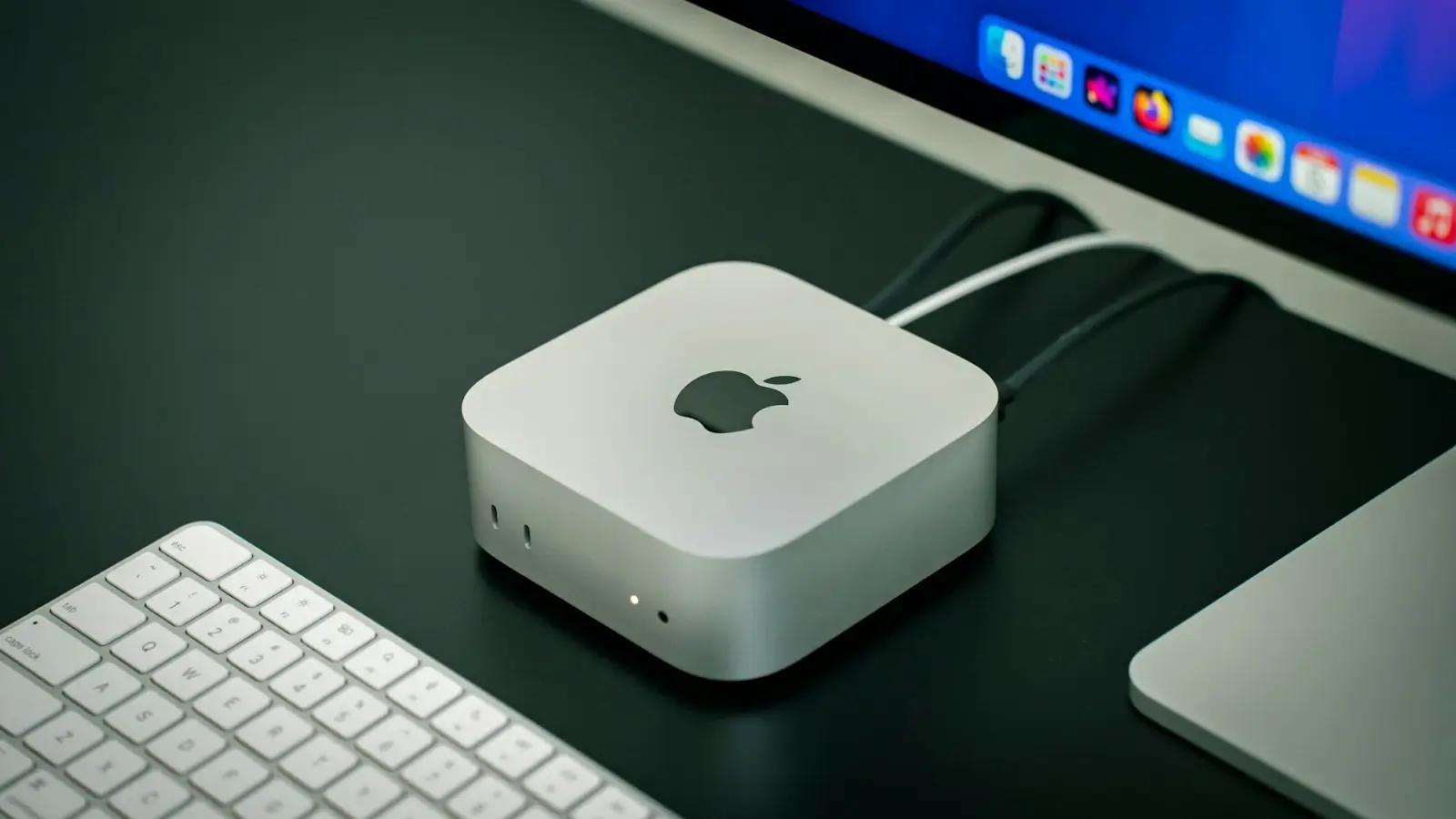
The Mac Mini remains one of Apple’s most attractive desktop options, particularly for those who are looking for a compact but powerful machine that doesn’t cost as much as the new Mac Studio. With the new M4 or M4 Pro chip, there’s more than enough power for most everyday activities. Pricing beginning at $599 for the entry-level setup, the Mac Mini is frequently a cheaper alternative to Apple’s newest desktops.
The Mac Mini is also unique in a few important respects to other Apple computers, though. For the best bang for your buck, you need to know what comes in the box, which accessories you’ll have to buy separately and which hardware options are right for you. Being an informed shopper lets you avoid overpaying or buying a machine that can’t keep up with your demands.
Peripherals Are Essential
Unlike other Apple computers, the Mac Mini package includes only the computer and a power cord. No peripherals , no keyboard, mouse or monitor , so budget for those separately. Additional costs: If you go for Apple’s ecosystem, a Magic Keyboard, Magic Mouse, or Magic Trackpad will add to your cost as well ranging from $79 to $129. For monitors, Apple’s own Studio Display is a premium pick at $1,599, but many will want to opt for cheaper third-party displays from companies like Dell, LG or BenQ.
If you’re upgrading from another desktop, you likely already have compatible peripherals, too, so the Mac Mini can be a relatively inexpensive upgrade. The machine is compatible with Bluetooth accessories, and features USB-C as well as HDMI ports to allow for connection of external displays and peripherals; however, don't get excited: It does not come equipped with an integrated display or non-proprietary keyboard and mouse.
Connectivity and Port Limitations
The Mac Mini has some excellent connectivity, with three Thunderbolt 4 (as in: the new USB-C) ports on the back able to run everything from an external hard drive to a monitor going into them, plus an HDMI port and an Ethernet jack. The front has two more USB-C ports and a headphone jack. These ports can handle high-speed data transfer and can drive many external displays , up to three with the M4 chip.
But the transition to an all-USB-C interface also has its drawbacks. Peripherals that rely on USB-A connections will need an adapter, and the Mac Mini does not come with a SD card reader. Creative professionals, or anyone handling media from external sources, will want to take a look at an External USB-C card reader.
Choosing the Right Processor
The base Mac Mini is loaded with Apple’s hole-y M4 chip, a sort of Goldilocks between power and power efficiency. It’s powerful enough for basic work, web browsing, document editing, media consumption, but it can also handle more intense tasks, such as photo editing or 4K video playback with aplomb.
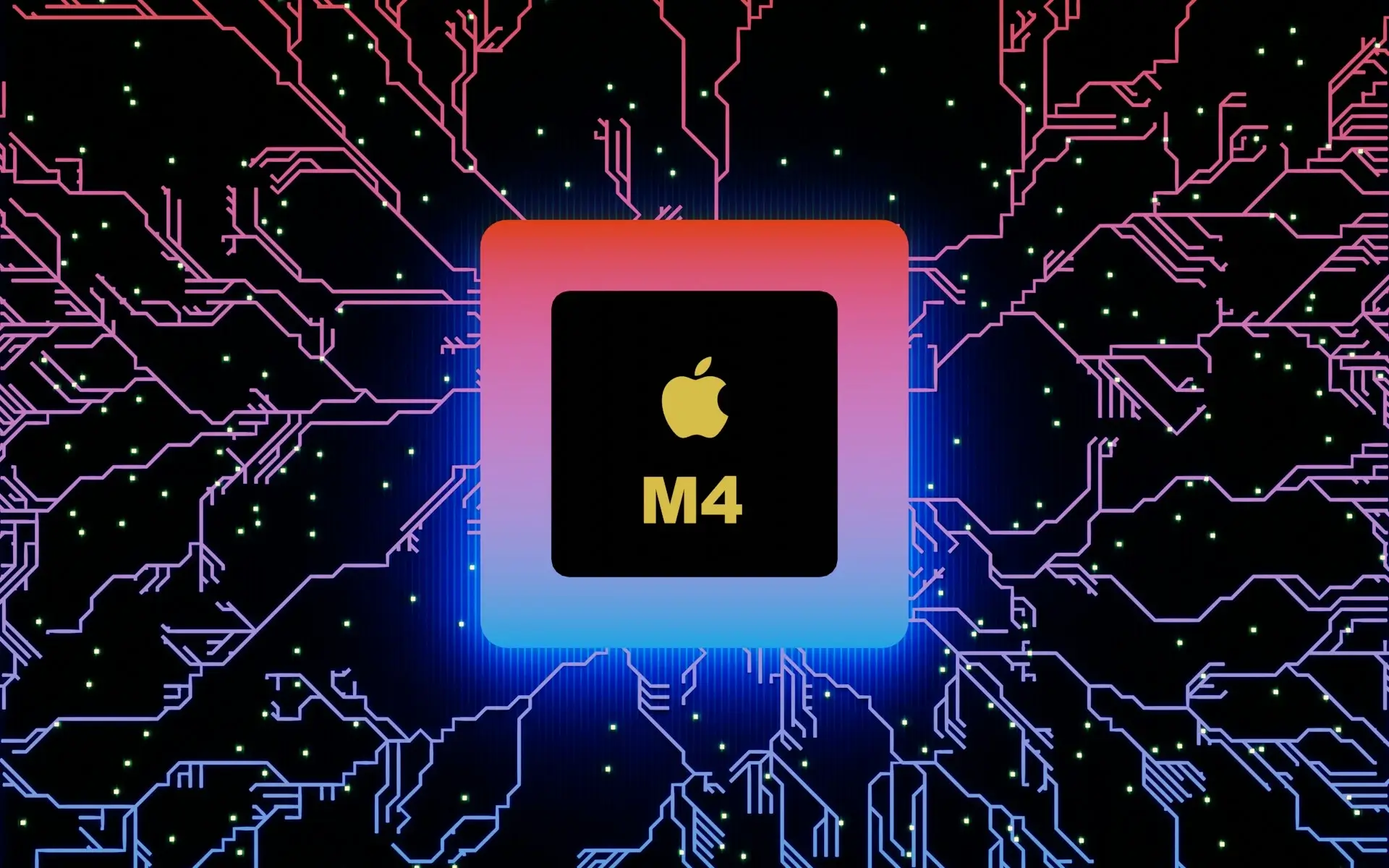
For those who require more under-the-hood muscle, Apple will also sell a higher-end M4 Pro chip with an even more powerful GPU and advanced Neural Engine capabilities. That makes the M4 Pro perfect for professional video editing, 8K workflows or serious coding loads. Jumping to the M4 Pro takes the price from $599 up to around $1,399, so you'll want to be sure that's what your operation needs before setting down cash for it.
RAM and Storage Decisions
The current Mac Mini, unlike its predecessors, doesn't let you upgrade the RAM or storage on your own after purchase. Rather, those parts are soldered into the motherboard, which means you need to choose correct specs at purchase. The base model offers 16GB of RAM, which can be expanded to 24GB for an extra $200 or 32GB for a minimum of $999.
Internal storage is configurable up to 256GB or more, though upgrading those internal SSDs independently after purchase is not a simple task and it’s not supported by Apple. So, if you think 250 GB of storage isn’t enough for you, pick a larger internal SSD when you buy it for the first time. External drives can be used to add on storage, but if you want things to run as best they can at all times, buying the right size drive now is best.
Refurbished Models Offer Savings
Refurbished Mac Minis from Apple are a great option if budget is an issue. Apple’s certified refurbished models typically sell for about $509 for the base model, or about $90 less than new. There are also discounted upgraded configurations available, making it an economical way to get higher end specs without paying retail.
If you go refurbished through Apple, then you will be able to get a product with the warranty of its new counterparts and will eligible for AppleCare+. The packaging is also fresh, so you can trust that it's been untouched by anyone if you're looking for a solid alternative to third-party refurbished markets. Remember also that inventory changes, so the best thing to do is pounce whenever you see a refurbished model you like in stock.
So, in conclusion; sure, the Mac Mini is a powerful and flexible desktop choice – but knowing what you’re up against and thinking ahead minimalistically will work wonders when deciding whether or not it's right for you.
Related Article: Choosing the Right Apple MDM Solution in 2025
Frequently Asked Questions:
Will there be a new Mac mini 2025?
Apple has not released an official statement or announcement about the launch of a new Mac mini in 2025. Apple for its part usually keeps product plans under wraps until they are good and ready to be announced.
Is the Mac mini M5 coming?
There is currently no official word from Apple about an M5-equipped Mac Mini. The newest models come with the M4 and M4 Pro chips.
Is there a 2026 Mac mini release date?
It's not clear if there's going to be a Mac mini in 2026. It’s anyone’s guess what products are in Apple’s pipeline once they launch what they have now.
Is there an M4 Mac mini?
Yes, the Mac mini models of today come with M4 and M4 Pro chips, which have been specifically designed for powerful performance across different functions.
Business Outstanders brings you sharp insights on tech, business, entrepreneurship, law, crypto, and more. We uncover what’s next. Stay updated, sign up for our newsletter and be part of the future!