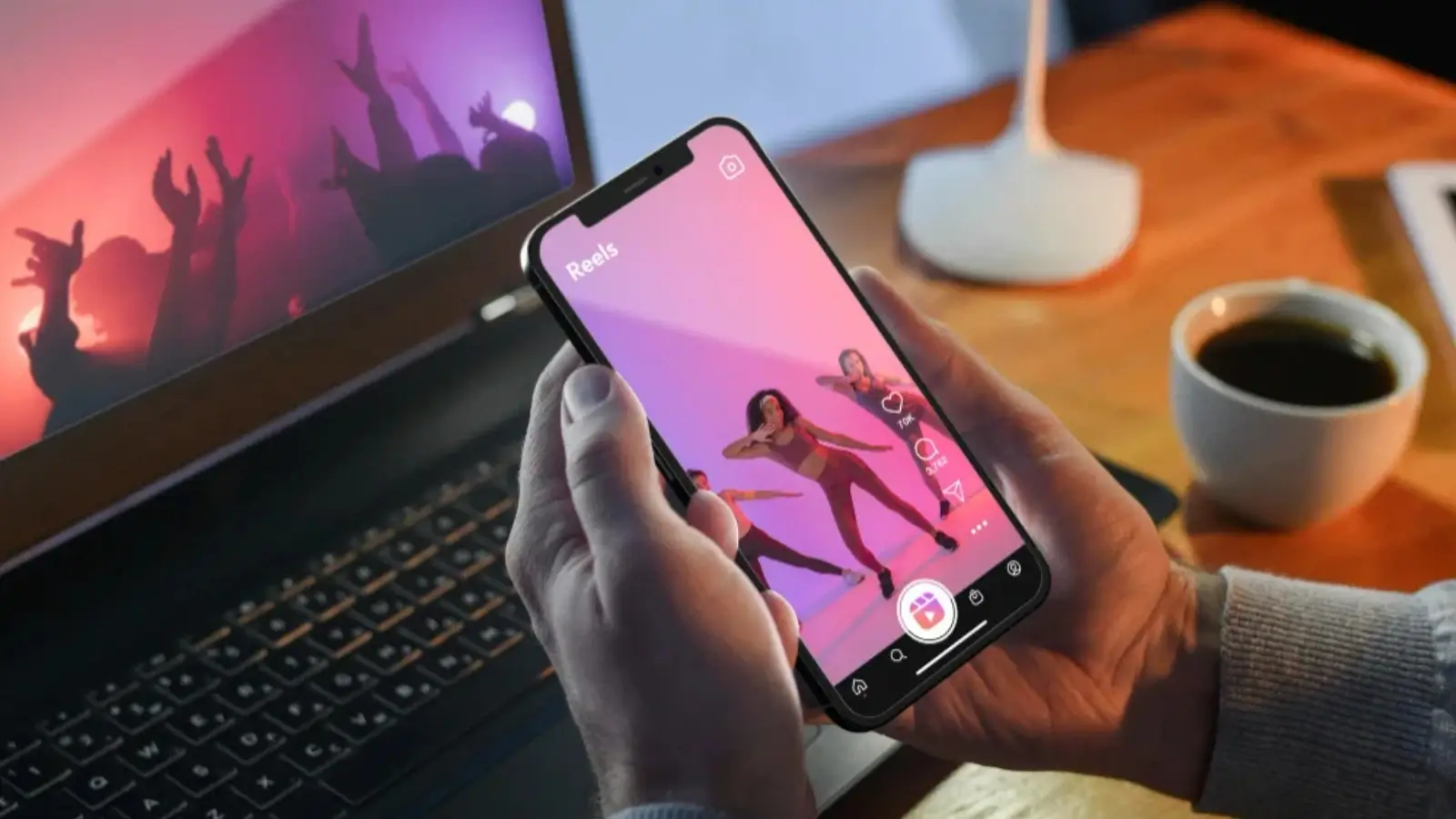
Smartphones are powerful tools. They can handle many tasks with ease. But heavy activities like gaming or streaming can make them overheat. Overheating interrupts performance and can damage your device. A phone cooler can solve this problem. It keeps your phone cool and running smoothly.
This guide will show you how to pick, set up, and use a phone cooler safely and effectively.
What Is a Phone Cooler?
A phone cooler is a small device. It helps reduce the heat your phone creates during heavy use. It works using different methods like fans or materials that absorb heat.
Phone coolers can be active or passive:
-
Active cooling uses things like fans or chips to pull heat away quickly.
-
Passive cooling uses special materials, like aluminum, to quietly absorb heat.
Whether you are gaming, multitasking, or using heavy apps, a phone cooler helps your phone stay cool.
How to Choose the Right Phone Cooler
Finding the right cooler is important. Here’s how you can choose one that suits your needs.
1. Type of Cooler
There are two types of phone coolers:
-
Active coolers are powerful and good for heavy use. They do need power and might make some noise.
-
Passive coolers are quieter and don’t need power. However, they are less effective for intense tasks.
2. Compatibility
Not all coolers fit every phone. Check the cooler’s size and design to make sure it fits your phone. Phones with magnetic systems, like MagSafe, might work well with magnetic coolers. Non-magnetic phones may need adhesive or clips.
3. Cooling Power
If you play games or edit videos on your phone, pick a cooler with strong cooling power. Models with thermoelectric chips work best for intense heat.
4. Noise Levels
Coolers with fans can be noisy. If you need a quiet experience, consider a passive cooler or a low-noise active cooler.
5. Portability
Think about how and where you’ll use your cooler. Active coolers may need a power source, but cordless options are more mobile.
How to Set Up Your Phone Cooler
Once you’ve found the right cooler, setting it up properly is key. Follow these simple steps for the best results.
Step 1: Unbox and Inspect
Carefully open the box. Make sure all parts, like USB cables or clips, are included. Check to see if the cooler has no damage.
Step 2: Attach the Cooler
Here’s how to attach the cooler based on its type:
-
Magnetic Coolers easily snap onto the back of phones with built-in magnets. If your phone doesn’t have magnets, use the plate provided with the cooler.
-
Clip-On Coolers are gently fixed around your phone. Adjust the clips carefully to avoid scratches.
-
Adhesive Pads require you to peel off a backing and stick the cooler to the phone. Press lightly to secure it.
Step 3: Connect to Power (If Required)
Most active coolers need power. Use the included cable to attach it to a USB outlet or power bank. Adjust the cable so it doesn’t interfere with how you hold the phone.
Step 4: Activate the Cooler
Turn on the cooler. Use the power button or the app if it has one. Some smart coolers allow you to set cooling levels.
Step 5: Test It
Start using your phone. See if the cooler is working properly. Make sure it doesn't make the phone hard to hold.
Tips for Safe and Effective Use
Here are some tips to use your phone cooler better and avoid damage.
1. Prevent Overcooling
Coolers that work too well can create condensation. This happens mainly in humid areas. If you see water droplets, turn off the cooler and dry your phone.
2. Ensure Airflow
Make sure the cooler’s fans or vents aren’t blocked. Place your phone on a flat surface for better cooling.
3. Use Only When Needed
Don't cool your phone during light use, like texting. Save the cooler for gaming or heavy multitasking.
4. Clean the Cooler
Over time, dust can impact cooling. Clean fans or vents with a brush or compressed air.
5. Remove Thick Cases
If you use a thick phone case, remove it before attaching the cooler. It can trap heat and reduce the cooler’s effectiveness.
6. Attach Securely
Make sure the cooler is fastened well but not too tightly. It should stay in place without damaging the phone.
7. Watch Power Usage
If your cooler uses a power bank, monitor battery life. Always use high-quality power sources to avoid damage.
When Does a Phone Cooler Make Sense?
Phone coolers are helpful in specific situations:
-
Gaming generates heat over long sessions. Coolers prevent devices from slowing down.
-
Streaming video or making long calls can heat up your phone. A cooler can help.
-
Editing Videos or multitasking creates heat. A cooler allows better performance.
Maintenance and Storage
When not in use, store your cooler in a dry place. Detach it from your phone to prevent wear. If it has a rechargeable battery, charge it occasionally to keep it in good condition.
Final Thoughts
Using a phone cooler is simple. Choosing the right one and following these steps will ensure great results. Whether you are gaming, streaming, or multitasking, the cooler keeps your phone running smoothly.
Take care of your cooler, and it will take care of your phone!
Business Outstanders brings you sharp insights on tech, business, entrepreneurship, law, crypto, and more. We uncover what’s next. Stay updated, sign up for our newsletter and be part of the future!