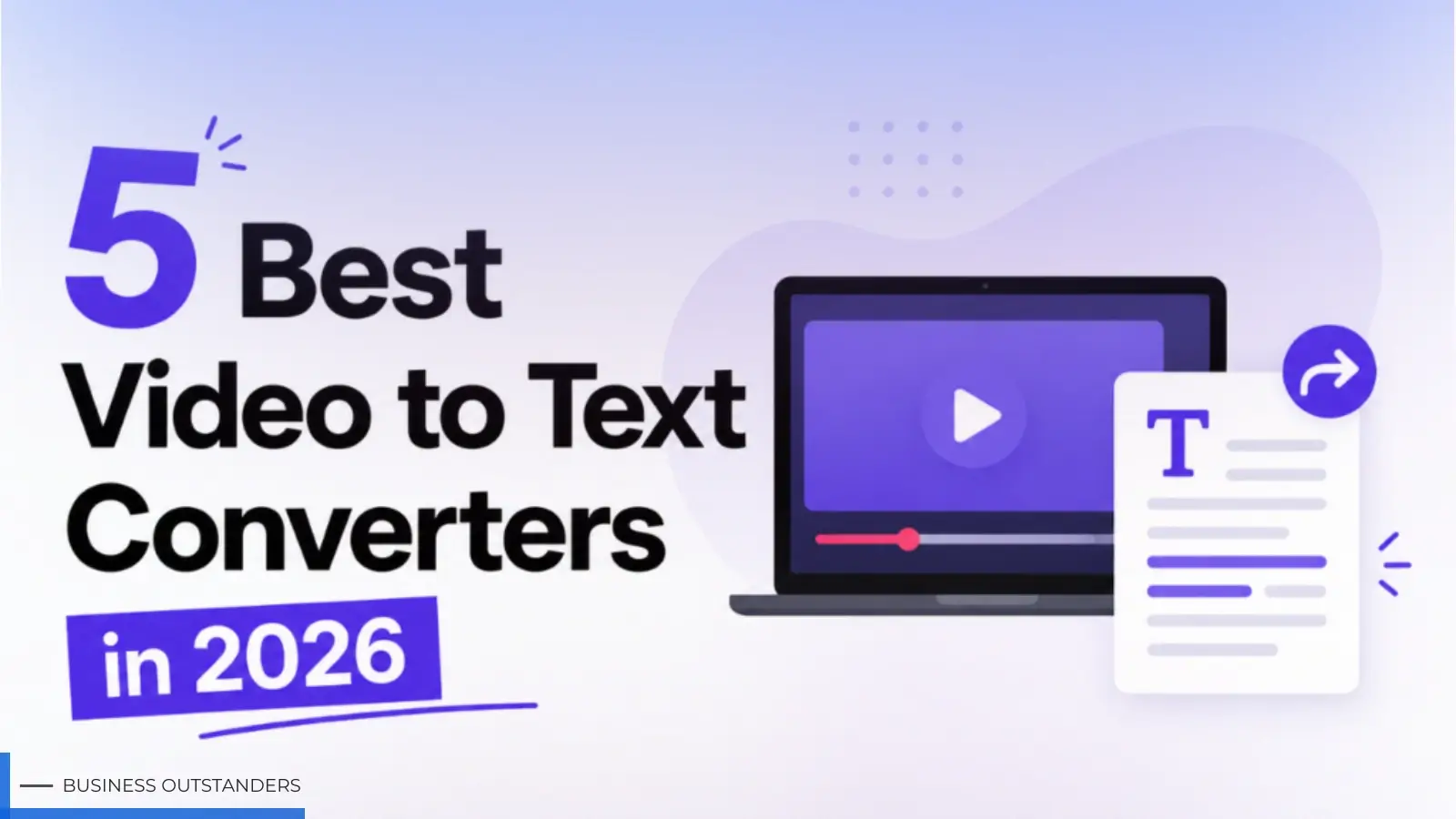
Faced with mountains of video footage, many content creators and marketers often face a dilemma when choosing a transcription tool: concerns about low accuracy leading to disastrous proofreading, prohibitive subscription fees, or limitations on uploading excessively large video files.
With a dazzling array of choices on the market, which one is best suited to your workflow? This article will objectively break down 5 mainstream video to text converters in 2026 to help you quickly make a decision.
Key Considerations for Choosing Video to Text Converters
Before deciding to incorporate a particular video to text converter into your daily work, evaluate it from the following key dimensions:
- Accuracy and Language Coverage: Can the tool accurately recognize technical terms, distinguish different accents, and support the languages of your target overseas markets?
- Processing Speed and File Size: For raw video footage that is several hours long or very large, the system's cloud processing speed and single file size limits will directly impact your workflow.
- Cloud-based parsing capabilities: Excellent tools typically support direct URL conversion of YouTube video to text, eliminating the tedious and memory-intensive "download first, then extract" step.
- Post-editing and intelligent workflow: Is the transcribed text easy to proofread? Does the system provide AI summarization, mind maps, and diverse export formats (such as SRT subtitle files for videos, Word/PDF for archiving)?
Best Video to Text Converters to Boost Your Productivity
Below is a detailed breakdown of the features and applicable scenarios of 5 mainstream solutions on the market.
Hoocs.ai
Hoocs.ai is a cloud-based audio and video transcription tool designed for self-media practitioners, digital marketers, and cross-border teams.
This platform boasts powerful full-scenario processing capabilities. Users can not only drag and drop to upload various mainstream multimedia files from their local devices, but also directly paste video links from YouTube and other sources for one-click cloud-based retrieval and transcription. This completely eliminates the lengthy process of downloading large files.
To improve content reuse efficiency, the platform also provides a built-in editor with precise timestamps, allowing users to listen and proofread simultaneously. Furthermore, the system includes an automatic translation function and can generate structured AI summaries and unlimited mind maps with a single click. The final output can be exported in multiple formats, including Word, PDF, and SRT subtitles.
Pros
- Cloud-based transcription of large media files, processing speed 10 times faster than real-time playback.
- Supports mixed transcription and automatic translation of over 130 languages and dialects.
- Natively compatible with 11 audio and video formats, supporting over 23 import/export combinations.
- Single file size limit increased to 10GB or 5 hours, suitable for long videos.
- Provides 300 minutes of free trial credit for newly registered accounts; a free video to text converter with a great user experience.
- Supports real-time microphone recording and transcription on PC, and offers a full-page floating ball within the website.
Cons
- Do not provide traditional manual proofreading and backup services.
- Cannot be operated on mobile devices.
- The free plan does not support batch uploads, and the cloud-based historical file retention limit is 20 files.
Otter.ai
Otter.ai is an office transcription assistant widely used in enterprise internal communication and online team collaboration scenarios. Its core logic lies in "synchronous recording and real-time team sharing," enabling deep integration with mainstream online meeting systems.
The platform seamlessly connects to meeting platforms, automatically adding meetings to the schedule and generating real-time text transcripts with speaker tags. Team members can directly highlight key points, add comments, and collaboratively edit in cloud-generated notes, with AI automatically extracting core tasks from meetings.
Pros
- Deeply integrated with mainstream online meeting platforms, supporting automatic bot entry and recording.
- Automatically extracts core meeting discussions, refining tasks and action lists in real time.
- Mature mobile app and Chrome extension design, supporting smooth synchronization across multiple devices.
- Provides a powerful collaboration area, supporting multiple users simultaneously adding notes and highlighting tags online.
Cons
- Extremely narrow language coverage, mainly limited to English and a few mainstream languages.
- In environments with multiple speakers, speaker tagging may sometimes be inaccurate.
- The free plan has strict limits on single recording duration and monthly total transcription quota.
HappyScribe
HappyScribe is a well-known European service provider specializing in multimedia transcription and subtitle creation. Its core feature is its dual-track solution of "AI automation + expert human proofreading." It is extremely stringent in terms of data privacy protection and security compliance, making it ideal for users with stringent requirements for text accuracy.
The platform supports direct uploading of over 60 video and audio formats and boasts a robust subtitle editing and export ecosystem. For highly sensitive business secrets or interview recordings, HappyScribe fully complies with GDPR security standards and SOC 2 Type II certification. And provides enterprise users with highly granular shared workspace access control.
Pros
- Offers a dual-track mode, supporting efficient AI transcription and high-precision human proofreading.
- Comprehensive data privacy protection with GDPR regulations and SOC 2 audit standards.
- Broadly covers over 120 AI languages and 65 human proofreading languages globally.
- Mature subtitle editing ecosystem, supporting export of over 60 different encoding formats and timestamps.
Cons
- Free trials in the automated AI mode are limited, typically only offering 10 minutes.
- Professional human proofreading services are charged on demand and expensive, with relatively long delivery cycles.
- The lack of a dedicated mobile app makes the overall delivery time for human services somewhat slow.
Notta
Notta's product positioning leans towards personal knowledge management and on-the-go productivity tools. It provides great convenience for professionals who frequently need to record voice memos in complex scenarios. It excels not only at capturing ambient sound but also excels in post-processing multi-software integration and information flow.
The platform's biggest highlight is its cross-device multi-terminal synchronization ecosystem and smooth mobile application experience. Users can capture audio anytime, anywhere and quickly view the conversion results on a computer web browser. After transcription, the system automatically generates a smart summary containing key decisions and supports one-click push of results to third-party collaboration platforms.
Pros
- Mature mobile application development, excellent on-the-go audio capture and synchronization experience.
- Possesses a comprehensive third-party knowledge base synchronization ecosystem, allowing direct push to Notion and Slack.
- Intelligently extracts transcribed text, automatically generating formatted key points and decision summaries.
- Supports bilingual synchronous comparison display in the source and target languages.
Cons
- The free version does not include AI summarization and some advanced export functions.
- Performs only moderately well with large PC videos containing numerous obscure technical terms.
- Semantic understanding and matching accuracy are prone to errors when handling non-English, obscure languages, or special accents.
VEED.io
Unlike the aforementioned pure text extraction tools, VEED's core identity is a lightweight, browser-based online video editing platform. Its audio and video transcription function exists as a foundational service within its video post-production ecosystem. Its emergence aims to directly address the pain points of "video editing and dynamic subtitle compression."
Short video creators upload videos to the VEED workbench, and the system automatically extracts the audio and converts it into a visual subtitle track. Users can directly adjust fonts on the timeline, add dynamic effects and progress bars, or translate subtitles into other languages before directly burning them into the video.
Pros
- Deeply integrates video editing, noise reduction, and text transcription, supporting one-stop retouching.
- Extremely rich dynamic subtitle and on-screen text styles.
- Supports text transcription in over 125 languages and supports direct export of native SRT or VTT files.
- Online video footage can be read by pasting an online URL.
Cons
- It carries a complete editing engine, which can easily cause browser lag when processing very long videos.
- For users who don't need video editing and just want to quickly extract plain text, the operation path is cumbersome.
- The finished video exported from the free version usually has an official watermark.
Comparison: 5 Best Video to Text Converters
|
Service Provider |
Free Trial Allowance |
Max File Size / Duration |
Supported Languages |
Starting Price |
Primary Strength |
|
Hoocs.ai |
300 Minutes |
10GB / 5 Hours |
130+ Languages |
$12.00/mo (or $7.20 billed yearly) |
10x speed, cloud URL pasting, and AI mind mapping. |
|
Otter.ai |
300 Minutes |
Varies by tier |
6 Languages |
$16.99/mo |
Live Zoom/Teams syncing and corporate action items. |
|
HappyScribe |
45 Minutes |
Varies by tier |
150+ Languages |
$17.00/mo |
GDPR compliance and professional human proofreading. |
|
Notta.ai |
120 Minutes |
Varies by tier |
58 Languages |
$13.49/mo |
Responsive mobile application and direct Notion export. |
|
VEED.io |
Limited Free Plan |
Varies by tier |
125+ Languages |
$20.00/mo |
Hardcoding stylized captions directly inside a video editor. |
Conclusion
The choice of which video-to-text tool to use depends on the team's specific business workflow and core needs. For teams primarily responsible for internal communication and frequently recording online meetings, Otter.ai offers excellent support for meeting synchronization and real-time collaboration. For operations personnel who need to directly edit short videos and create dynamic subtitles, VEED.io's all-in-one workbench is a better fit.
Hoocs.ai, with its 10GB single-file processing capacity, support for 130 global languages, and cloud-based operation that directly parses YouTube links, strikes a balance between efficiency and cost for marketers and cross-border teams. Users can test and select the right tool based on the size of their daily files and their multilingual needs, making reasonable use of the free credits on various platforms.
Business Outstanders brings you sharp insights on tech, business, entrepreneurship, law, crypto, and more. We uncover what’s next. Stay updated, sign up for our newsletter and be part of the future!