**This post is sponsored by Semrush. When you purchase through links in this article, we may earn an affiliate commission from Semrush.**
If you are already using AI tools daily, this is worth paying attention to. Instead of relying on generic answers, you can now connect your workflow to real marketing data and get insights that actually reflect what is happening right now. With Semrush One, you can start using AI tools like ChatGPT with real SEO and competitor data built directly into your conversations, making AI-powered SEO tools far more practical in everyday workflows.
It is one of those upgrades that feels small at first but quickly changes how you work.
Most people have already experienced the limits of AI when it comes to marketing. You ask about keywords or competitors and get answers that sound right but are not always reliable or current. Then you open another tab, log into your SEO tools, and double check everything. That back and forth adds up.
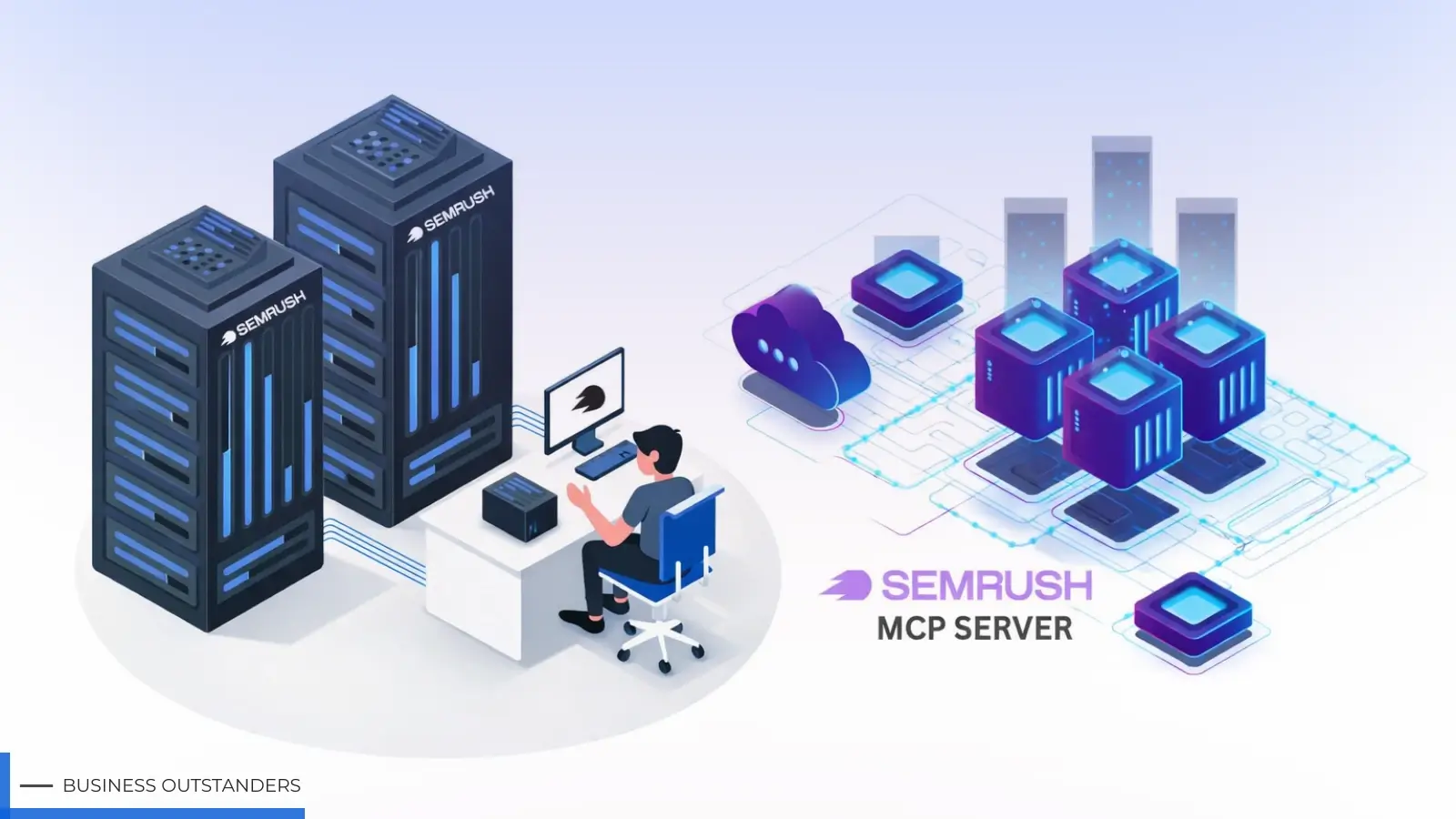
What Semrush has done with its new MCP server is remove that gap. Instead of switching between platforms, your AI tool can now pull directly from Semrush data. Whether you are using ChatGPT, Claude, or even development tools like VS Code, the experience becomes more connected. You are not just chatting anymore. You are actually researching, analyzing, and making decisions in one place.
This shift matters more than it sounds. When your AI has access to real keyword data, backlink profiles, and competitor traffic, the answers stop being generic. They become useful. You can ask about ranking opportunities, check what competitors are doing, or explore content ideas, all without leaving your workflow.
A Simpler Way to Work with Data
The most practical part of this update is how easy it is to start. Access to the Semrush MCP server is already included in all Semrush One subscriptions. There is no extra add on or complicated setup to unlock it. Once connected, your AI tools can start pulling data immediately.
For anyone who spends time on SEO or content planning, this changes the pace of work. Instead of gathering data first and then analyzing it, you can do both at the same time. You can ask your AI to review keyword trends, compare domains, or even summarize opportunities based on real numbers.
This also opens the door to automation in a way that feels more natural. For example, you can set up an AI agent to scan keyword rankings or backlinks daily. If something drops or improves, you can catch it early without manually checking dashboards. The same goes for competitor tracking. Instead of occasionally reviewing their traffic, you can get consistent updates and act faster.
Reporting is another area where this becomes useful. Monthly reports that usually take hours can be generated automatically. You can push data into tools like Google Docs or Notion and let your AI organize it into something readable. It saves time, but more importantly, it keeps your reporting consistent.
Making AI Actually Useful for Marketing
There is a big difference between using AI as a writing assistant and using it as a research tool. Most people are still stuck in the first category. They use AI to draft content but rely on other tools for real insights.
With Semrush One, that line starts to blur. You can ask deeper questions and get answers backed by actual data. Things like keyword difficulty, traffic trends, or competitor gaps are no longer separate tasks. They become part of the same conversation.
This is especially helpful for content planning. Instead of guessing what topics might work, you can validate ideas instantly. You can explore keyword variations, understand search intent, and even outline content based on real opportunities. It removes a lot of the uncertainty that usually comes with planning.
If you want to see how this works in practice, there is a quick walkthrough here: VIDEO LINK HERE
This is also where you can include screenshots of the setup process or examples of AI prompts pulling Semrush data. Showing how a simple question turns into a data-backed answer makes the value much clearer.
A More Connected Workflow
What makes this approach stand out is not just the feature itself, but how it changes your workflow. Instead of jumping between tools, copying data, and trying to piece everything together, you are working in one continuous flow.
It feels more natural because it matches how people already use AI. You ask questions, refine them, and build on the answers. Now, those answers are backed by real data instead of assumptions.
Over time, that leads to better decisions. You spot opportunities earlier, avoid relying on outdated information, and spend less time verifying everything manually. It is not about doing more work. It is about removing the friction that slows you down.
If you are already using AI tools and want to get more out of them, this is a practical next step. Start exploring how Semrush One fits into your workflow and see how it changes the way you research, plan, and execute. Once you experience having real data inside your AI conversations, it is hard to go back.
Business Outstanders brings you sharp insights on tech, business, entrepreneurship, law, crypto, and more. We uncover what’s next. Stay updated, sign up for our newsletter and be part of the future!