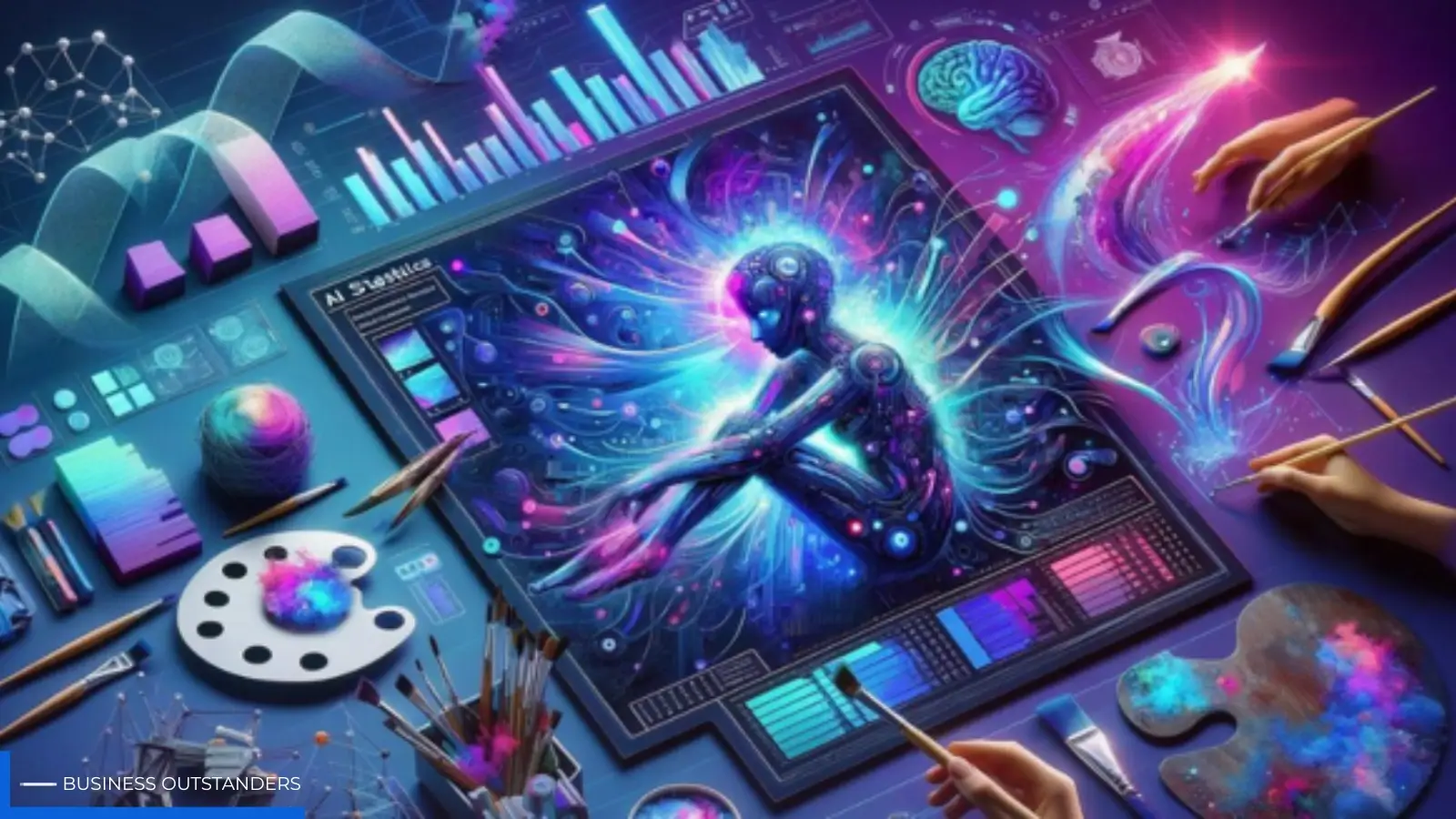
The shift from manual keyframing to generative motion has moved past the "experimental" phase. For creators, the challenge is no longer about whether an AI Video Generator can produce a usable clip, but how to integrate that clip into a production pipeline that doesn't fall apart at the first sign of a deadline. When we talk about workflows, we are discussing the move from "lucky accidents" to "repeatable outputs."
For most professional creators and marketers, the entry point into generative video isn't a single text prompt that magically produces a finished commercial. Instead, it is a modular process where various models—specializing in image generation, motion synthesis, and upscaling—are sequenced to achieve a specific aesthetic. This article explores the tactical reality of building these pipelines, focusing on where the tech currently stands and where the operator's manual intervention remains necessary.
Moving from Text-to-Video to Image-to-Video
One of the first hard lessons an operator learns is that text-to-video (T2V) is often the most difficult way to achieve a specific brand look. While T2V is impressive for conceptual brainstorming, it offers the least amount of control over composition and character design. If you need a specific product to look a certain way, or a character to maintain their features across multiple scenes, starting with a text prompt often leads to frustration.
The more reliable workflow involves starting with a high-fidelity static image. By using an AI Image Generator to lock in the art direction—lighting, color palette, and subject details—you create a "ground truth" for the motion engine. Once the static asset is perfected, passing it through an AI Video Generator allows the creator to focus solely on the physics of motion rather than the generation of the assets themselves.
This image-to-video (I2V) approach is the backbone of most high-end AI content. It separates the "what" (the subject) from the "how" (the motion). By providing a source image, you give the model a structural map, which significantly reduces the frequency of "hallucinations" where objects morph into unrecognizable shapes mid-clip.
The Multi-Model Orchestration Reality
No single model currently dominates every aspect of video production. A workflow that relies on just one engine often hits a ceiling in terms of visual diversity or motion complexity. The modern creator functions more like a conductor, moving between different specialized tools.
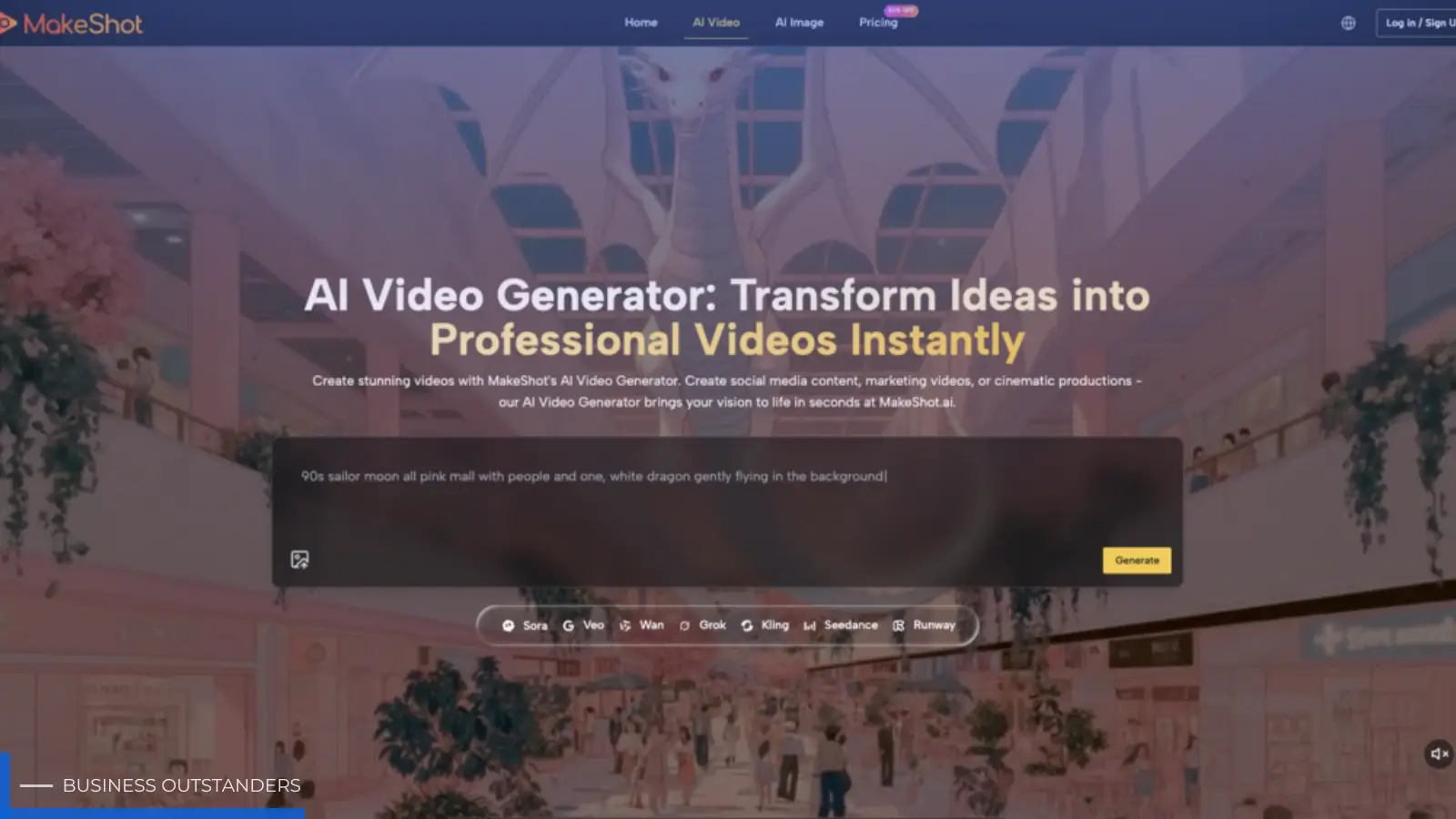
Some models, like Kling or Sora, are lauded for their cinematic scale and physics, while others like Runway or Luma might offer better fine-grained "brush" controls for specific motion paths. On a platform like MakeShot, the value lies in having access to a unified interface where different engines—such as Google Veo, Seedance, or Flux for images—can be tested against each other for the same project.
In a repeatable workflow, the first step is identifying the "motion profile" required. Is it a slow, cinematic pan? Or is it a complex character action like walking or gesturing? Certain engines handle fluid dynamics (like pouring water) better than others. Acknowledging this fragmentation is key to professional output; trying to force a model to do something it isn't trained for is a waste of compute and time.
Addressing the Limitation of Temporal Consistency
It is important to reset expectations regarding long-form content. Despite the progress in context windows, maintaining perfect temporal consistency over a 60-second clip remains a significant hurdle. In many cases, the AI Video Generator is still prone to "micro-morphing," where textures shift slightly between frames or background elements slowly drift out of existence.
Because of this, the most successful creators work in "micro-scenes." Instead of trying to generate a full narrative in one go, they generate 3-to-5 second clips that are later stitched together in a traditional non-linear editor (NLE) like Premiere Pro or DaVinci Resolve. This modularity allows for the discarding of "bad takes" without losing the entire sequence.
If a clip looks 90% perfect but has a flickering artifact in the corner, the operator can use traditional masking or rotoscoping tools to fix it, rather than re-rolling the AI prompt 50 times. This hybrid approach—combining AI generation with traditional post-production—is what separates a hobbyist from a professional production lead.
The Operator Role: Prompting vs. Directing
The term "prompt engineering" is slowly being replaced by "AI Directing." The skill is no longer just about knowing which keywords to use, but understanding how to describe camera movement and lighting in a way that the model understands.
For instance, rather than just asking for "a cat moving," a sophisticated operator will specify the focal length, the lighting type (e.g., volumetric lighting, golden hour), and the specific camera move (e.g., "dolly zoom" or "handheld shake"). This level of specificity helps the model prioritize certain visual data over others.
However, there is a persistent uncertainty in the prompting process. Even with the best directives, the same prompt can yield wildly different results on different days or across different model versions. This unpredictability is a built-in tax of the technology. A repeatable workflow must account for this by budgeting "iteration time." You are rarely looking for the first result; you are looking for the best result out of a batch of five or ten.
Evaluating Output Quality for Commercial Use
When evaluating whether a clip is ready for a client or a public campaign, there are three primary criteria:
-
Structural Integrity
Does the subject maintain its shape? In human subjects, this usually means checking the hands, eyes, and limb joints. If a character grows an extra finger or their eyes drift apart during a blink, the clip is generally unusable for high-stakes marketing.
-
Texture Stability
Does the "grain" of the video remain consistent? Some AI-generated videos suffer from "boiling," where the texture appears to be moving even when the subject is still. This is often a sign of low bitrate generation or model limitations in handling complex surfaces like fur or grass.
-
Physics and Weight
Does the motion feel grounded? One of the common tells of AI video is a lack of "weight." Objects might float or move at speeds that don't match their mass. An experienced operator uses the AI Video Generator to iterate on motion prompts until the gravity of the scene feels realistic, or they use post-production tools to slow down the footage to simulate weight.
The Production Pipeline: A Step-by-Step Breakdown
For those looking to build a repeatable pipeline, the following sequence provides a baseline:
- Concept & Storyboard: Define the narrative beats using a traditional script or AI-assisted brainstorming.
- Style Locking: Use an AI image generator to create "keyframes" for each major scene. This ensures the visual language is consistent before a single frame of video is rendered.
- Motion Generation: Upload the keyframes into the motion engine. This is where you apply camera movement and subject-specific motion prompts.
- Quality Control: Review clips for artifacts. Discard and re-roll any clips with significant structural failures.
- Upscaling & Enhancement: Most raw AI video is rendered at lower resolutions to save on compute. Once the "hero takes" are selected, they are run through an upscaler to reach 4K or 1080p.
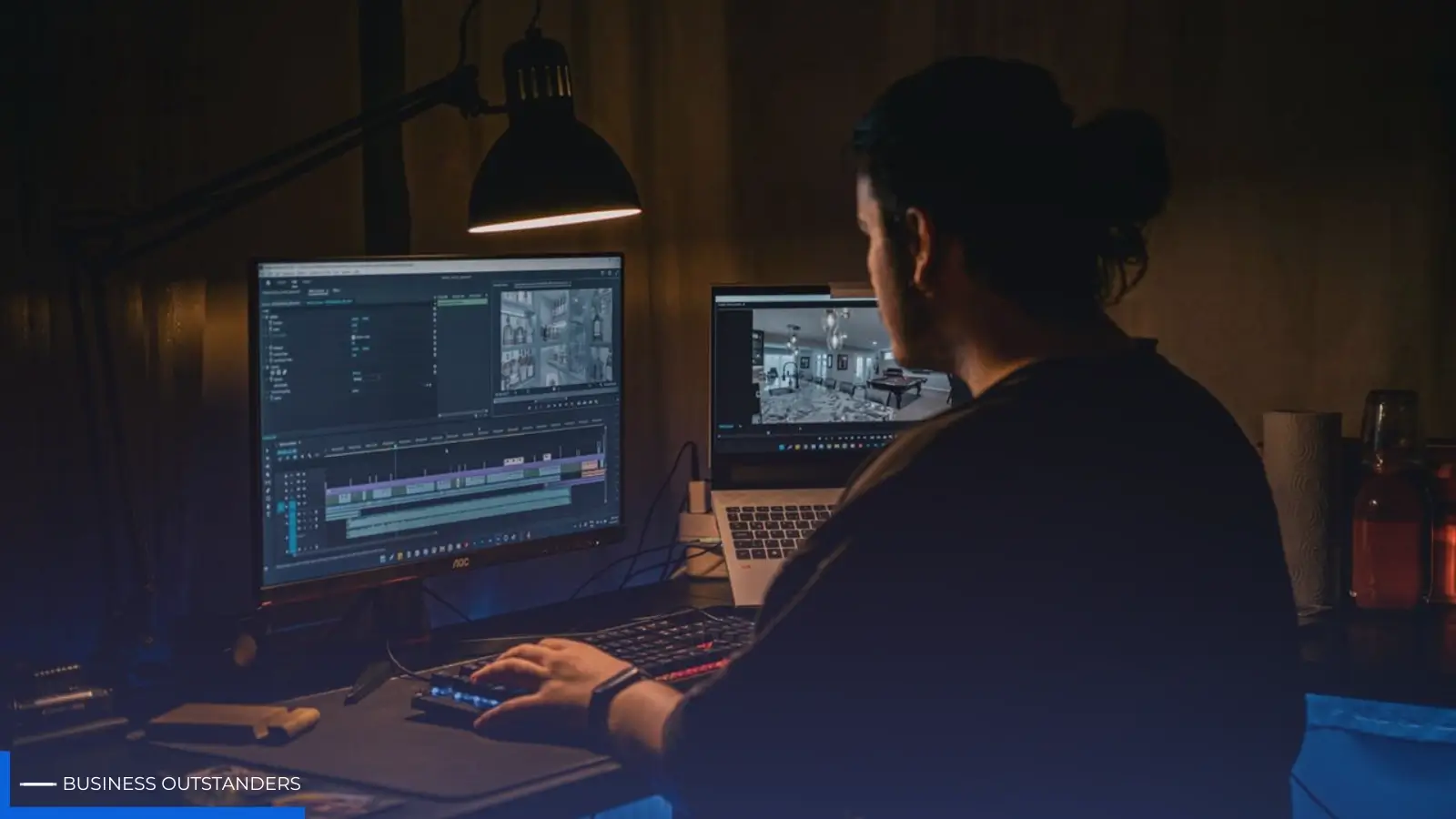
- Traditional Edit: Import the clips into an NLE. Add sound design, color grading, and transitions. This is where the "AI feel" is often polished away.
The Reality of Character Consistency Challenges
A second moment of limitation that creators must face is character consistency across different angles. While there are workarounds—such as using Reference Sheets or LoRAs (Low-Rank Adaptations)—it is still incredibly difficult to have the same character look identical in a close-up and a wide shot when using an automated workflow.
Professional creators often solve this by designing characters with very distinct, high-contrast features (like a specific hat, a bright red jacket, or a unique hairstyle). These "anchors" help the model maintain a semblance of the character's identity even if the facial features shift slightly between shots. If your workflow requires 100% anatomical perfection across twenty different scenes, you may find that the technology isn't quite there yet without significant manual retouching.
Conclusion: The Future of the AI-Augmented Creator
The integration of generative tools into the creative process is not about pushing a button and walking away. It is about expanding the capabilities of a single creator or a small team to produce cinematic-quality content that would have previously required a six-figure budget and a crew of twenty.
The "repeatability" of the workflow comes from the operator's ability to navigate the quirks of the models. By understanding where the AI excels—such as in lighting and atmosphere—and where it struggles—such as in complex physics and character consistency—creators can build pipelines that are both efficient and artistically viable. The goal is to spend less time on the mechanical labor of production and more time on the high-level direction that makes a video worth watching, helping creators unlock your creative potential with AI.
Business Outstanders brings you sharp insights on tech, business, entrepreneurship, law, crypto, and more. We uncover what’s next. Stay updated, sign up for our newsletter and be part of the future!