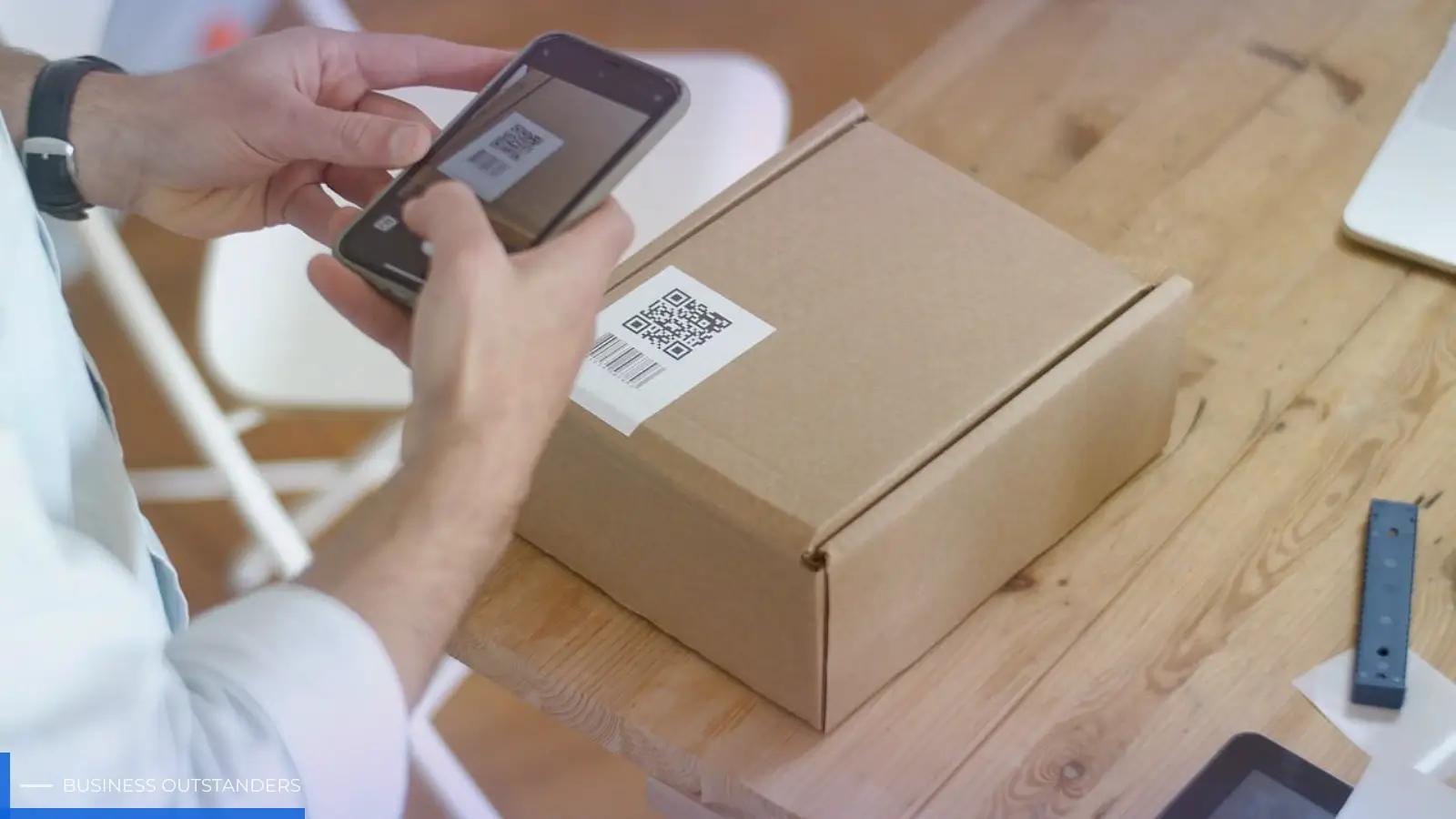
Video QR codes sound simple: paste a link, generate a code, print it, done. In practice, the difference between a QR code that gets scanned and one that gets ignored often comes down to small choices—where the video is hosted, how fast it loads, and whether you can update the destination later without reprinting materials.
If you’re sharing product demos, event highlights, onboarding walkthroughs, or customer stories, a “smart” approach to QR codes helps you treat the code like a living access point instead of a one-time graphic. Here’s a grounded look at the tools and considerations that make video QR codes work in the real world.
Start with the right tool: static vs. smart (and why it changes your options)
At a basic level, most generators produce a static QR code: it encodes a single URL and that’s that. Smart QR code technology typically adds a layer of control—so you can update the destination link, track scans, and manage campaigns without starting over.
A practical option for teams that need video-specific QR workflows is the QRNow tool to create video QR codes. The key advantage of a dedicated video QR solution is less about novelty and more about reducing friction: you’re creating a code with the assumption that the end user is on a phone, on variable mobile data, with limited patience.
How to decide which approach you need
- Choose static if the video link will never change and you don’t need reporting.
- Choose smart/dynamic if you may update the video, run multiple campaigns, or want insight into scan behavior.
- Choose a video-oriented flow if you care about how the video opens, loads, and plays on mobile.
Video hosting: where the QR code points matters more than the QR code itself
When someone scans a QR code, they’re not “using your QR code.” They’re waiting for a page (or video) to load. If the destination experience is slow, cluttered, or requires extra taps, you’ll lose people—even if your design and placement are perfect, which is why improving the customer experience with QR codes should be part of your campaign planning.
Most organizations point video QR codes to a hosted video platform, a landing page that embeds video, or a product page with video content. Each has tradeoffs in speed, branding, and analytics.
Common destination options (and why teams choose them)
- YouTube: familiar interface, fast playback in most regions, strong discoverability. Helpful overview of basics: YouTube Help Center.
- Vimeo: often preferred for cleaner playback and presentation controls; widely used for portfolios and business content. Company overview and features: Vimeo Features.
- Wistia: built for marketing and business use, with granular engagement data and embedded video tools. Product info: Wistia.
- A dedicated landing page: best when you need context (headline, CTA, form, links), not just a play button. For mobile performance guidance, Google’s basics are worth skimming: web.dev on fast sites.
If you’re printing codes on packaging, signage, or brochures, assume a meaningful share of scans happen on mobile data, in less-than-ideal lighting, and with distractions. That reality should influence both your host choice and your page design.
What “smart” QR code technology adds to video campaigns
Smart QR tools tend to earn their keep when you treat video as part of an ongoing communication loop—something you refine over time. The main benefits aren’t mysterious; they’re the things you wish you had after your first print run goes out and something changes.
- Editability: Update the destination video or landing page link without reprinting the QR code.
- Measurement: Understand when and where scans happen, which placements work, and what’s underperforming.
- Consistency across channels: Use one code for a campaign while rotating video content by season, region, or product version.
“A QR code isn’t the campaign. It’s the doorway. If you can’t change what’s on the other side, you’re locked into decisions you made months earlier.”
A concrete example
Say you ship a product with a “how to set it up” QR code in the box. Three months later, you update the product, or discover customers get stuck at the same step. With a smart QR setup, you can swap in an improved video (or a clearer landing page) without changing packaging.
Design and placement: the small details that prevent scan failures
Most QR problems aren’t “the QR code didn’t work.” They’re “the person couldn’t scan it quickly.” That’s often a sizing, contrast, or placement issue—especially on glossy surfaces or curved packaging.
Practical scanability checklist
- Use adequate size: the farther away the scan, the larger the code should be. Test at real distance, not at your desk.
- Keep strong contrast: dark code on a light background is still the most reliable choice.
- Leave quiet space: don’t crowd the code with text, borders, or busy patterns.
- Avoid glare: glossy prints and overhead lighting can make scanning frustrating.
- Add a human cue: a short line like “Scan to watch the 30-second demo” sets expectation and improves follow-through.
If you want a standards-based view of how QR codes are structured and why these constraints matter, the overview from GS1 is a solid reference: GS1 on QR codes.
Governance: keep your video QR codes from becoming “broken doors”
Teams often underestimate maintenance. A video QR code printed on a flyer is easy; a QR code printed on packaging, signage, or manuals becomes part of your infrastructure. That means someone needs to own it.
Simple governance that saves time later
- Maintain a QR inventory: where each code is used, what it links to, and who owns updates.
- Set review dates: especially for onboarding and product videos that age quickly.
- Use consistent naming: campaign, location, and asset identifiers so scan data stays readable.
- Plan for redirects: if you change hosting or URLs, keep the transition seamless for people scanning older materials.
Closing: a practical way to choose and launch
If you’re creating QR codes for videos, focus less on the novelty of the code and more on the full scan-to-play experience. Pick a destination that loads fast on mobile, design the code so it scans under real conditions, and use smart QR capabilities when you need the freedom to update content after distribution.
Actionable next step: choose one high-visibility use case (a product demo, an event recap, or a “start here” onboarding video), generate a video QR code, and test it with five people on different phones and connections. If they can scan and start the video in seconds—without confusion—you’re on the right track.
Business Outstanders brings you sharp insights on tech, business, entrepreneurship, law, crypto, and more. We uncover what’s next. Stay updated, sign up for our newsletter and be part of the future!