Video has really taken over in the business world. Whether you're scrolling through social media or checking out a company's homepage, you'll see dynamic visuals everywhere. They just grab your attention and get messages across better than almost anything else. If you want your business to grow, using video isn't just a nice-to-have anymore; it's a must. This guide will walk you through how to make engaging video content that your audience will love, and that actually gets results. We'll cover everything from writing scripts and shooting footage to editing and sharing your videos. Mastering these steps will help you create powerful videos that truly captivate people and hit your marketing goals, even with corporate video production tips.
Planning Your Video Strategy
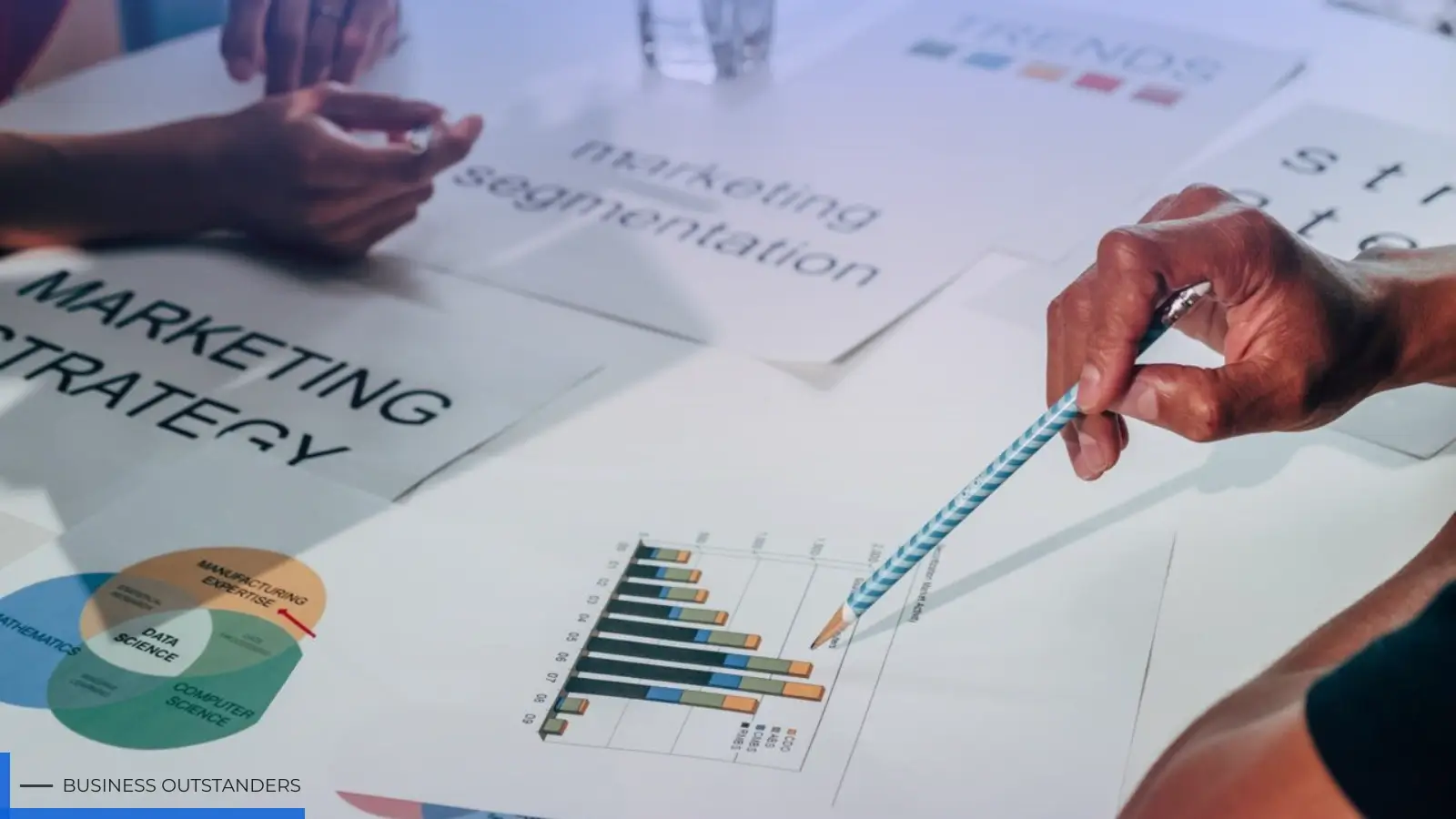
Before you even think about hitting record, your most important tool is a solid plan. A great video isn't just about looking good; it's about reaching a specific business goal. So, start by asking yourself what you want your video to achieve. Are you trying to get your brand out there, find new customers, teach people about a product, or just build a community? Your goal will guide every creative decision you make.
Next, figure out who you're trying to talk to. Who is your ideal viewer? Knowing what problems they have, what they're interested in, and where they hang out online will help you make content they actually want to watch. A video for busy executives on LinkedIn will feel totally different from a fun, behind-the-scenes clip for a younger crowd on Instagram.
Finally, you'll want to build a video-production strategy that lays out the kinds of videos you'll create. Here are some popular and effective ideas:
- How-To and Tutorial Videos: Show off your expertise by teaching your audience something useful.
- Customer Testimonials: Let your happy customers do the talking. This builds trust and shows people you're the real deal.
- Behind-the-Scenes Content: Give people a peek at the human side of your business. It helps them feel more connected to you.
- Product Demonstrations: Clearly show how your product or service solves a problem.
Having a clear plan makes sure every video you put out is a smart move that helps you reach a bigger objective. To get started, you can find some great advice on how to craft a video marketing strategy that fits your business goals.
Essential Gear for Quality Production
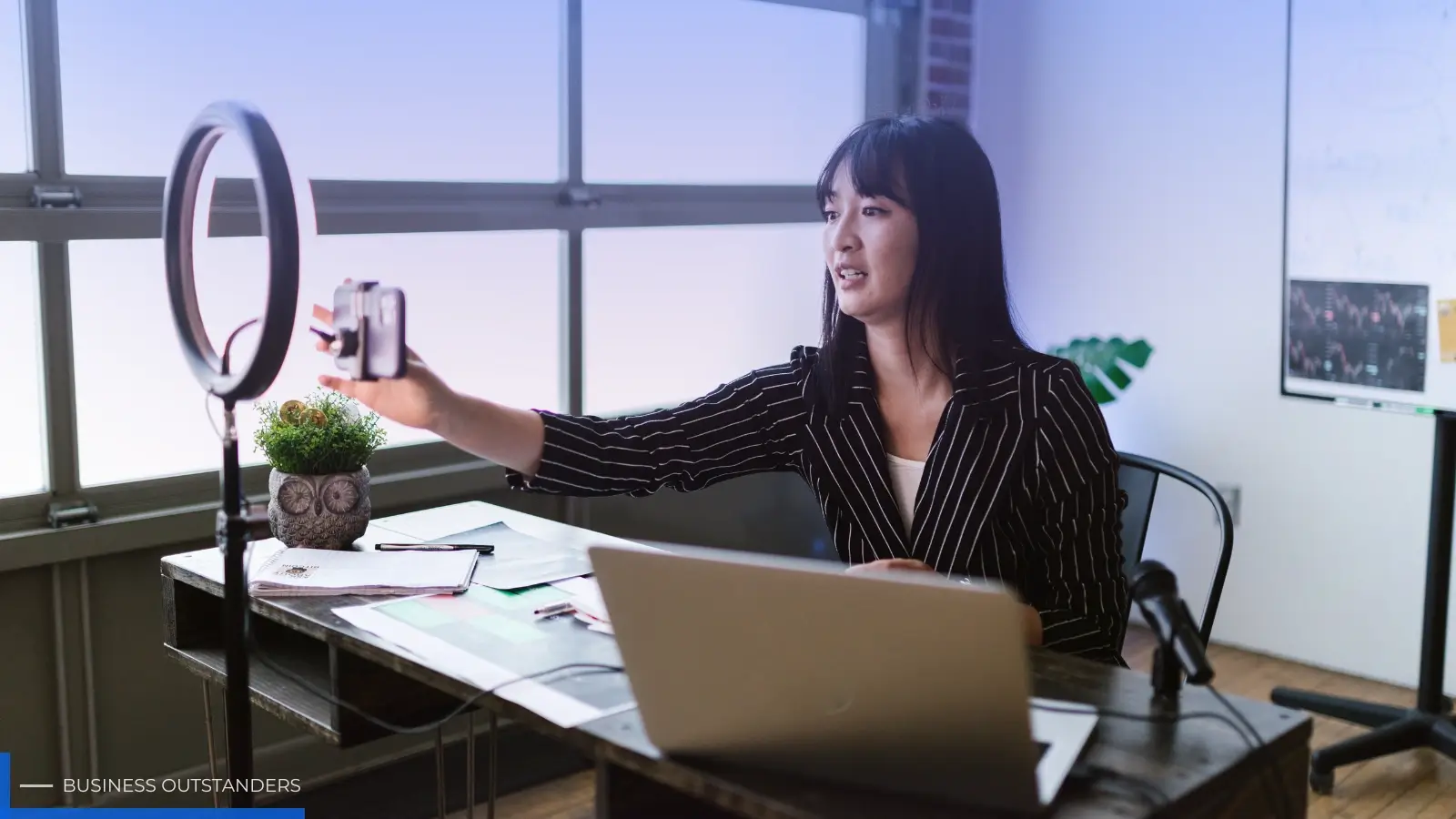
The words "video production" might sound scary and expensive, but they don't have to be. You can make really good videos without a Hollywood budget. In fact, you probably already own the most important piece of equipment: a modern smartphone. Today's phones have amazing cameras that can shoot in 4K.
While the camera is super important, two other things often make an even bigger difference in how professional your video looks: sound and lighting.
- Audio: People will forgive a slightly blurry picture, but they'll click away instantly if they can't hear you clearly. Bad sound just makes a video feel amateurish. Grab an inexpensive lavalier microphone (it's a tinymic that clips to your shirt) that plugs right into your phone. This simple addition will seriously boost your sound quality by picking up your voice directly and cutting down on background noise.
- Lighting: You don't need a fancy studio light kit. The best and cheapest light source is the sun. When you're filming, stand facing a window to get soft, natural light on your face. Try not to have a bright light source behind you, or you'll just look like a silhouette. If natural light isn't an option, a simple ring light can give you consistent, flattering light.
And last but not least, make sure your shot is steady. Nobody likes watching shaky footage. A basic tripod for your phone or camera is an affordable buy that adds a touch of professionalism to your videos. There are lots of helpful corporate video production tips that can show you how to get the most out of a simple setup.
Optimizing Video Files for Web
So, you've filmed and edited an awesome video, and now you're ready to share it with everyone. But before you upload it, there's one crucial step you can't skip: optimization. Big, uncompressed video files can cause a lot of headaches. They take ages for you to upload and, more importantly, ages for your viewers to load. In a world where people have short attention spans, a slow-loading video is basically a death sentence for engagement. If someone on their phone has to wait for a video to buffer, they'll probably just scroll right past it.
Optimizing your video means making its file size smaller without making the picture quality look bad. This is super important for how well your website performs. Huge video files can slow down your page loading speed, which not only annoys users but also hurts your site's SEO ranking. Search engines prefer websites that load fast and offer a smooth experience.
The most common video format for the web is MP4, because it balances quality and file size really well. But even an MP4 file can be too big, especially for longer videos or ones shot in high resolution. That's where compression comes in. Using a free online MP4 compressor lets you easily shrink your video file size. This simple process makes your videos web-friendly, ensuring they load quickly on your website, in emails, and all over social media. This means a better experience for your audience and helps your content reach more people.
Editing for Impact and Reach
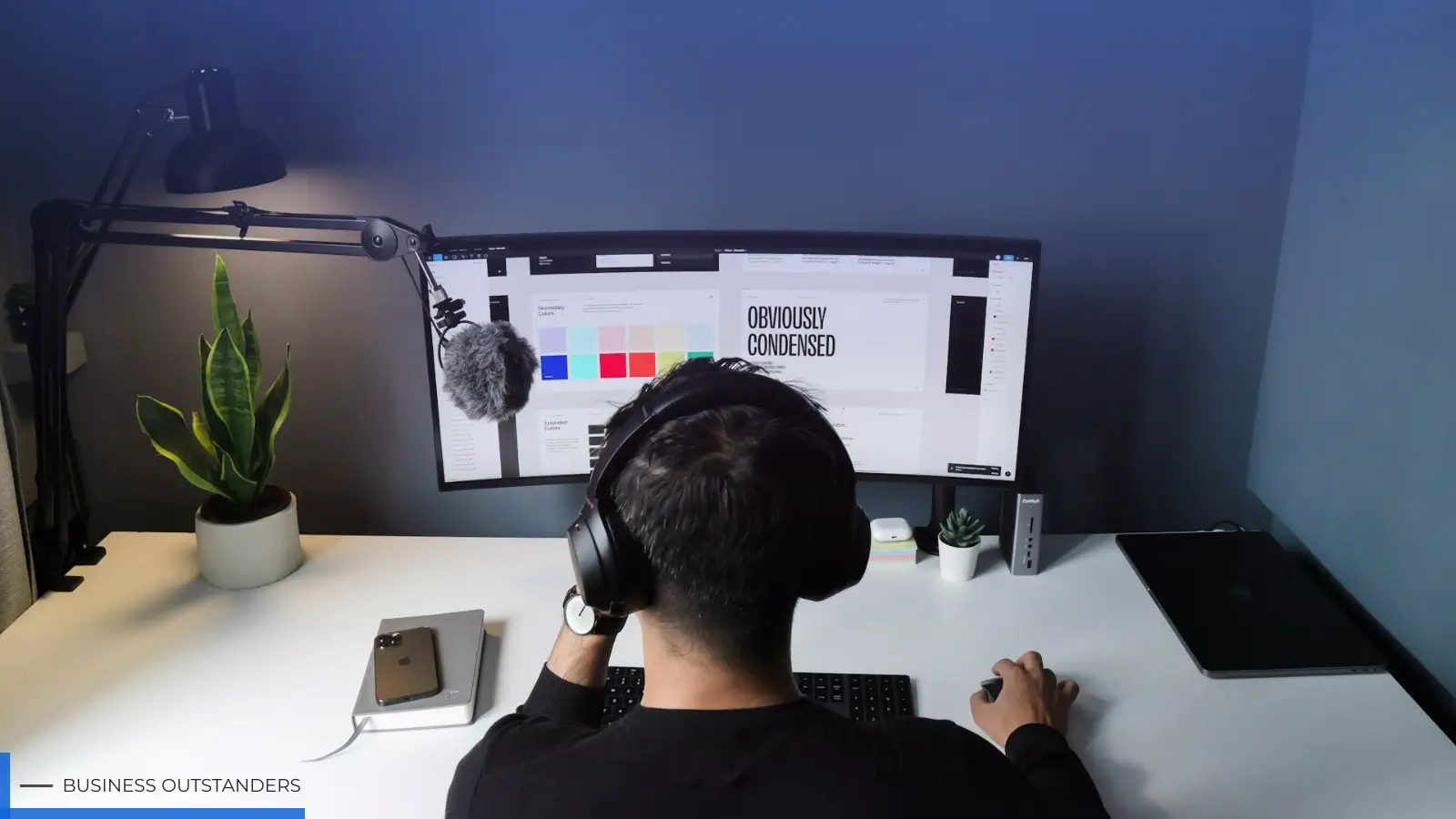
Editing is where your raw footage turns into a polished, captivating story. Modern editing software is easier to use than ever, with plenty of user-friendly options for both computers and phones. Your main goal when editing is to create a tight, engaging narrative.
Start by cutting out anything unnecessary. Get rid of pauses, mistakes, or rambling parts to keep things moving and hold the viewer's attention. A good rule of thumb is to be tough; if a clip doesn't add value or move the story forward, it probably doesn't need to be there.
Next, think about adding things that make the viewing experience even better.
- Captions and Subtitles: A huge number of social media videos are watched with the sound off. Adding captions makes your content accessible to everyone, whether they have hearing difficulties, are in a quiet place, or are just scrolling during their commute.
- Branding: Gently include your logo, brand colors, and fonts through text overlays or a short intro/outro. This helps reinforce your brand identity and makes your content instantly recognizable.
- Music and Sound Effects: The right background music can set the mood and stir up emotions. Just make sure to use royalty-free music so you don't run into copyright issues.
Editing is also your chance to tweak things for different platforms. A 10-minute horizontal video for YouTube might need to be trimmed down and turned into a 60-second vertical clip for Instagram Reels.
Distributing Your Content Effectively
Making a great video is only half the battle; getting people to watch it is the other half. Your plan for sharing it should be just as carefully thought out as your production plan. Don't just upload your video to one place and hope for the best.
First, figure out which platforms your target audience spends their time on.
- Your Website: Putting videos on your site, especially on product pages or your blog, can make people stay longer and help turn visitors into customers.
- YouTube: As the world's second-biggest search engine, YouTube is perfect for content people search for, like tutorials, reviews, and educational videos. Make sure your video title, description, and tags use relevant keywords.
- Social Media: Each platform has its own strengths. LinkedIn is great for business-to-business content and professional insights. Instagram and TikTok are perfect for short, visually appealing, and trendy clips. Facebook is a versatile platform for building community and sharing all sorts of videos.
- Email Marketing: Including a video thumbnail (linked to the full video) in your email newsletter can really boost how many people click through. It's a powerful way to send valuable content directly to your most engaged audience.
By customizing your video and your message for each specific platform, you'll reach more people and make a bigger impact. This multi-channel approach ensures your hard work gets seen by the right people, at the right time, in the right format.
Putting a deliberate video strategy into action takes effort, but the payoff in audience engagement and business growth is totally worth it. Start small, learn as you go, and focus on giving your viewers real value.
Business Outstanders brings you sharp insights on tech, business, entrepreneurship, law, crypto, and more. We uncover what’s next. Stay updated, sign up for our newsletter and be part of the future!