How a Visitor Management Solution Improves Front Desk Efficiency and Compliance
— A visitor management solution takes one of those tasks and makes it almost automatic.
Front desk staff deal with way more than most people realize. They're juggling phone calls, package deliveries, employee requests, and visitor check-ins all at the same time. A visitor management solution takes one of those tasks and makes it almost automatic. Instead of manually logging information, printing badges, and calling employees to announce visitors, the system handles most of it. This frees up reception staff to actually help people instead of drowning in administrative tasks. Plus, there's the whole compliance side of things that becomes significantly less stressful when you have digital records that are properly organized and searchable.
Automating the Check-In Process
The traditional check-in process is slow. A visitor walks up, gives their name, waits while someone types it into a computer or writes it down, then waits more while someone prints a badge or calls their host. It takes several minutes per person, and if you've got multiple visitors arriving at once, it becomes a bottleneck.
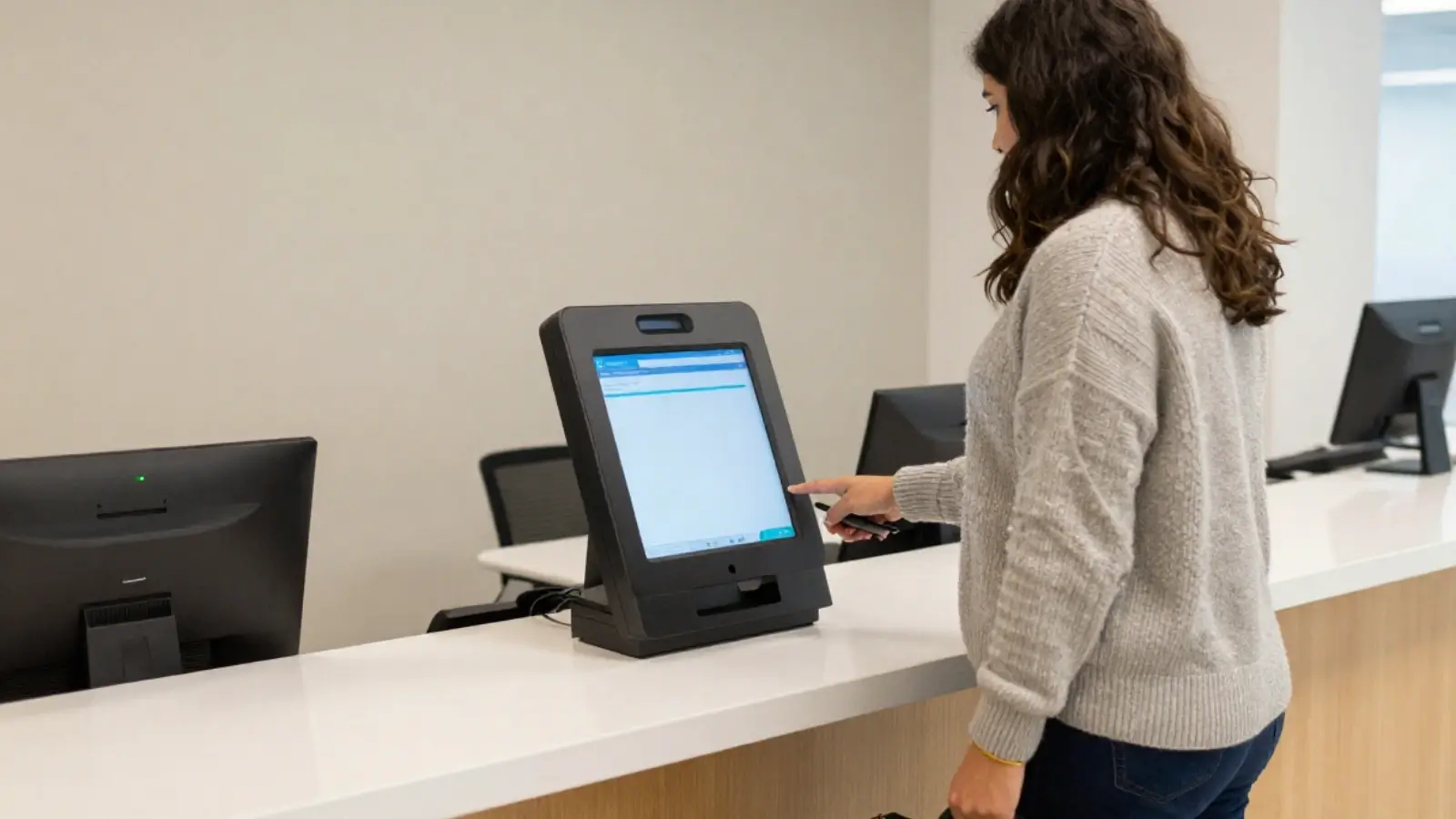
Self-service kiosks change this completely. Visitors tap a touchscreen, type their information or scan their ID, take a photo, and print their own badge. The whole thing takes maybe 30 seconds. The front desk person can supervise multiple kiosks while handling other tasks.
I've talked to receptionists who say this is the single biggest improvement to their daily workflow. They're not stuck doing repetitive data entry anymore. They can focus on greeting people, answering questions, and dealing with more complex situations that actually need human judgment.
Pre-Registration and Appointment Management
Most systems let employees pre-register their visitors before they even arrive. The employee enters the visitor's information ahead of time, selects a date and time, and the system emails the visitor a QR code or unique check-in link.
When that visitor shows up, they scan their code at the kiosk and they're done. No typing, no waiting. The system already knows who they are, who they're meeting, and what areas they're allowed to access. Their host gets an automatic notification that they've arrived.
For buildings with high visitor volume, this is a game changer. Conference centers and corporate campuses can process hundreds of people in the morning without creating chaos at the front desk.
Compliance Documentation and Audit Trails
Here's where the compliance benefits get really specific. Many industries have legal requirements around visitor tracking. Government facilities need to maintain detailed records of everyone who enters secure areas. Healthcare organizations need visitor logs to prove HIPAA compliance. Manufacturing plants with trade secrets need documentation showing who accessed proprietary areas.
Manual systems make compliance documentation a nightmare. You're dealing with paper records, incomplete information, and no easy way to search or generate reports. During an audit, someone has to physically go through logbooks and piece together information.
Digital solutions create automatic audit trails. Every check-in, every badge print, every area access gets timestamped and logged. You can pull reports by date range, by visitor name, by host employee, or by accessed areas. If an auditor asks to see everyone who visited a specific department in the last six months, you can generate that report in about ten seconds.
Watchlist Screening and Risk Management
Some visitor management platforms include watchlist screening features. You can flag individuals who shouldn't be allowed access, like terminated employees, known security threats, or people with restraining orders against staff members.
When a flagged person tries to check in, the system alerts security immediately. This happens before they get a badge, before they enter the building. The front desk doesn't have to rely on memory or try to recognize faces. The system does it automatically by checking names and sometimes facial recognition data against the watchlist database.